TechTurco WhatsApp ChannelOne-way channel: your number stays private
Apple
From the iPhone lock screen to group calls: Six Apple apps changed with iOS 27.2
The iOS 27.2 update, recently released to iPhone users, arrived with six new changes for apps. Here are the updates made.
Contents
Apple recently released the iOS 27.2 update for iPhone users. The new version focuses on addressing issues and adding new features to six of the company's in-house apps instead of modifying the operating system's general architecture.
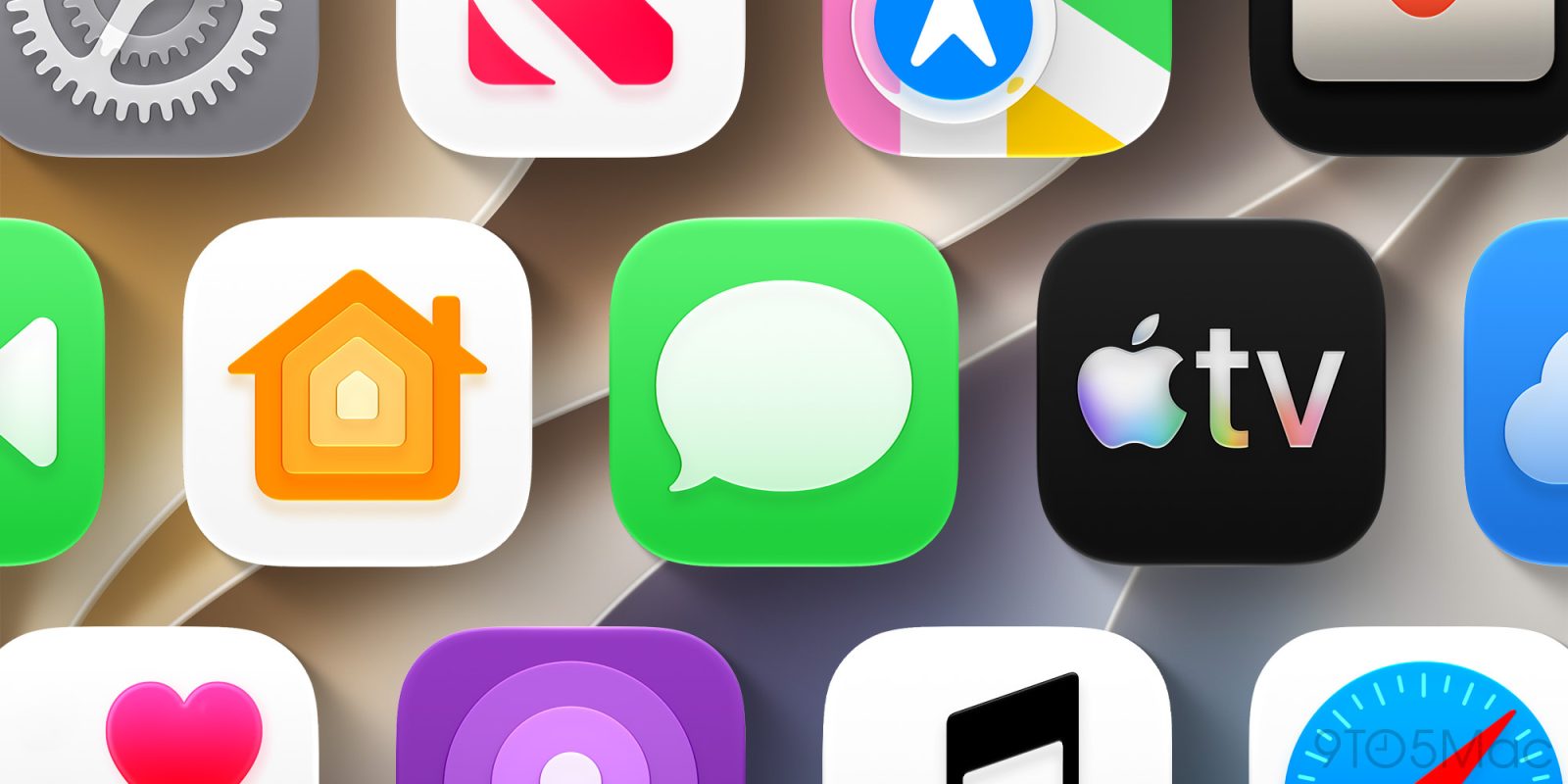
The changes cover Messages, Apple TV, FaceTime, Home, Apple Podcasts, and Games apps. Here are the updates.
Messages: Contextual suggested actions
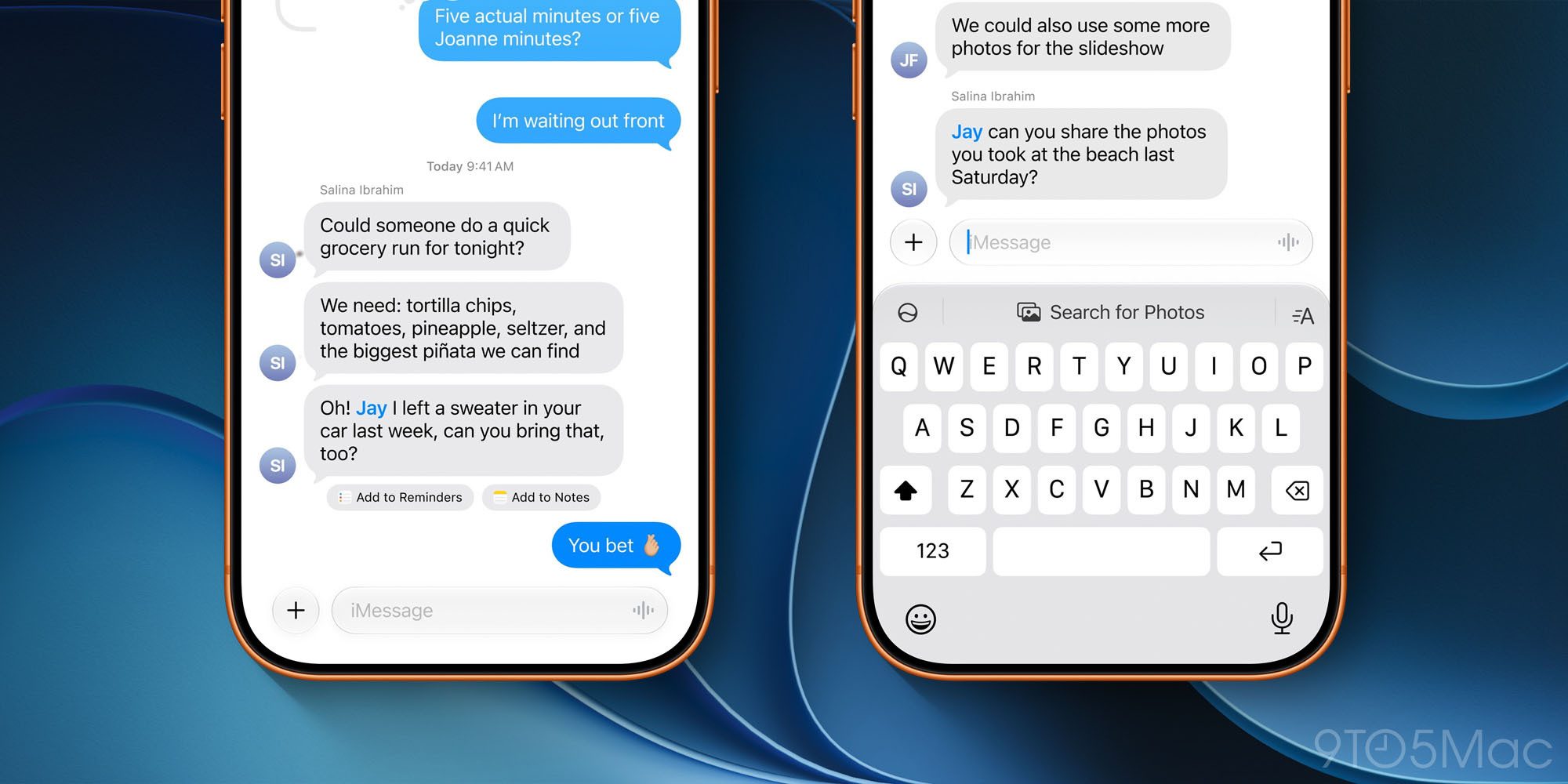
The Suggested Actions feature, which was part of the summer iOS 27 beta testing phase but omitted from the initial public release, has been added with iOS 27.2. This feature analyzes conversation content in chat threads and creates buttons directly beneath messages. Depending on the message context, shortcuts appear to create calendar events or reminders, or add items to notes. Users can filter which types of suggestions appear through settings.
Reklam
FaceTime: Dual camera streaming in group calls
The Dual Capture feature, introduced in iOS 27 for compatible iPhone models, allowed both the front and rear cameras to remain active simultaneously during video calls. The iOS 27.2 update expands this capability to Group FaceTime calls. On iPhone 17 and newer models, tapping the standard camera flip button streams feeds from both cameras simultaneously to other participants in the group call.
Apple TV and Podcasts: User profiles and new queue layout
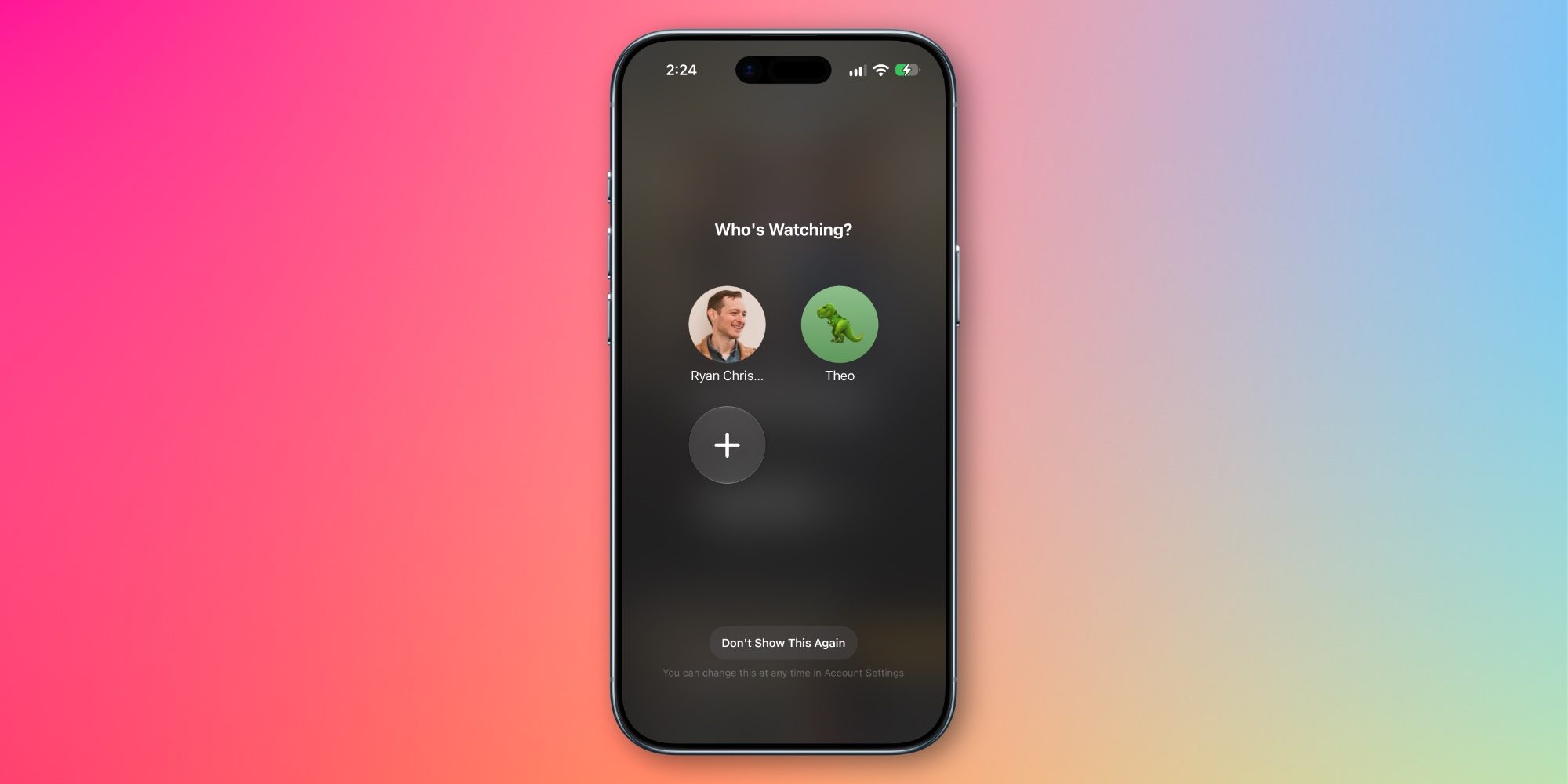
User profile separation, previously limited to tvOS, has expanded to iPhone and iPad with iOS 27.2 and iPadOS 27.2. The profile selection screen displayed when opening the TV app keeps watch history and recommendations separate. This screen can be disabled in settings if preferred.
In Apple Podcasts, the Up Next queue on the Home tab has been split into two separate categories:
Reklam
Be the first to know
Join our channel and get key developments straight on your phone.
TechTurco Telegram ChannelMute or leave any time
- New Episodes: Lists only the latest episodes from followed shows.
- Continue Listening: Gathers episodes that have been started but not yet completed.
Changes in Home and Games apps
Two new automation options have been added to the Home app for compatible smart lock hardware. The "Lock After Closing" setting allows users to specify how long after the door shuts the lock engages. In previous versions, the timer began when the lock was unlocked rather than when the door closed. The "Door Left Open" option sends an alert to the user's phone if the door stays open longer than a set time.
In Apple's Games app, the Home tab now displays recently downloaded games on the device, even if they have never been launched. Tracking achievement progress and leaderboard scores has been simplified. The Friends tab now provides context for friend recommendations and displays recently played games on profiles in the friends list.
Reklam
This article was translated from Turkish. Read the original article in Turkish.
More in Apple