Tips to hide the Galaxy Z Fold 8's camera cutout: Nobody knows, a single button is enough
The foldable Galaxy Z Fold 8 shows the camera cutout on the screen. Users are sometimes bothered by this situation. Fortunately, it is possible to hide it with a simple One UI setting.
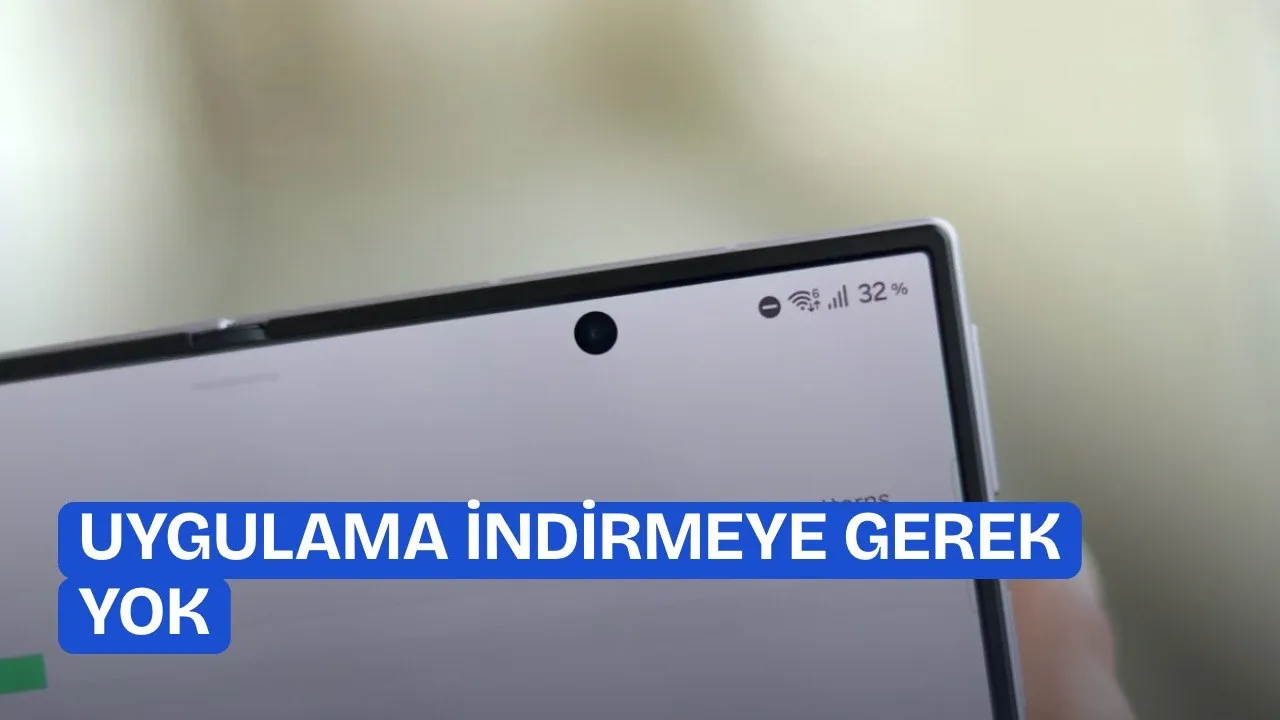
Samsung houses a large number of settings in its One UI interface. However, these settings are still not fully known by some users. As is known, a camera hole is visible on the screen of the Galaxy Z Fold 8. Although this does not bother me as a long-time user, some people might not like it.
But fortunately, there is a great trick that can hide the camera hole from the screen. Moreover, you don't even need to download an extra app for this hidden setting.
TIPS FOR HIDING THE CAMERA HOLE ON THE Z FOLD 8
Samsung makes it possible for Galaxy Z Fold 8 users to hide the selfie camera hole on the foldable screen through One UI settings. This feature in the software makes the camera cutout invisible by adding a strip of black pixels to the top of the screen.

Offered for users bothered by the screen notch, this option can be configured completely independently for the device's cover screen and foldable inner screen. To learn how to do this, you need to follow the steps below.
How to Hide the Camera Hole via One UI Settings
SamMobile editor Mihai Matei states that a hardware change cannot be made on the current Fold 8 model, and that Samsung might completely remove the camera in the Galaxy Z Fold 9 model coming next year. To fix the display appearance on current devices, users need to follow the camera hiding steps within One UI.


To carry out the process, it is recommended to follow these steps:
- Unfold your Galaxy Z Fold 8 or Fold 8 Ultra device. It is important to access these menus while the foldable screen is open.
- Follow the sequence: Settings > Display > Camera cutout.
- Find the app you want to edit, tap on it, and select the "Hide camera cutout" preference.
How Does This Setting Affect Screen Usage and Apps?
You are probably wondering how screen usage will be affected after this process. When the camera hole is hidden, a few rows of pixels at the top of the screen are turned off. This means slightly reducing the vertical resolution and visible area of the foldable screen.
According to tests, apps automatically adapt to the narrowed screen area. Issues such as image stretching or the app switching to a phone interface layout do not occur.
If you also don't want to see the camera hole on the screen, you can activate this available setting.
Finally, One UI software on the phones saves a separate profile for each screen and each app. The same app can show the camera hole on the cover screen while keeping it hidden on the foldable inner screen. As an alternative method, it is also possible to flip the device upside down, but the software setting offers a cleaner look.
This article was translated from Turkish. Read the original article in Turkish.