Contents
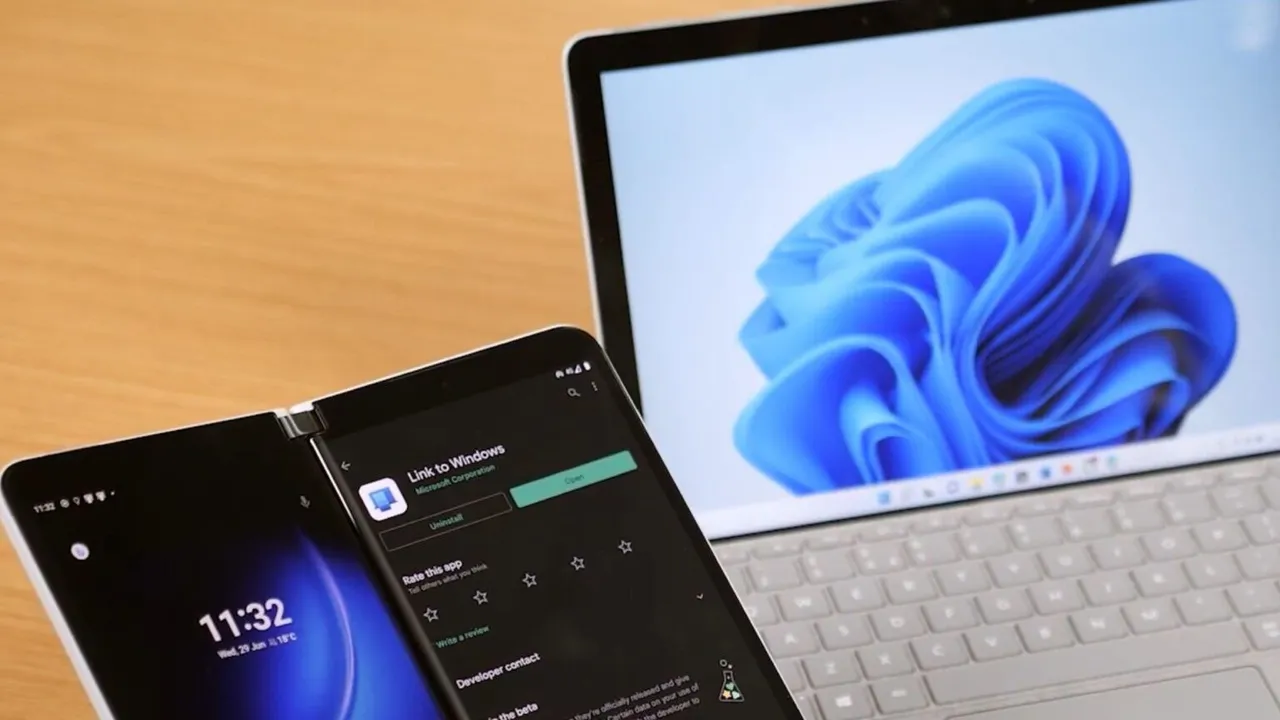
Microsoft, which has made Windows 11 faster, is also working on new features. Recent reports suggest Android users could extend their phones into a second display with Windows 11 support.
Windows Latest, a reliable source, reports that Microsoft has developed a feature called "Extend display" in its Link to Windows app.
The feature will allow an Android phone, and possibly a tablet, to be used as a second monitor for a Windows 11 PC. The site examined the interface text, icons and code of a system called "Phone as Display" in the latest version of the app.
Old Android devices could become portable monitors
If the feature is released, an old Android tablet sitting in a drawer could become a portable second screen. No third-party app would need to be installed. According to Windows Latest, Apple's Sidecar feature only works with the iPad; there is no way to connect an iPhone to a Mac as a second display.
Microsoft could move the Windows 11 desktop onto an Android phone
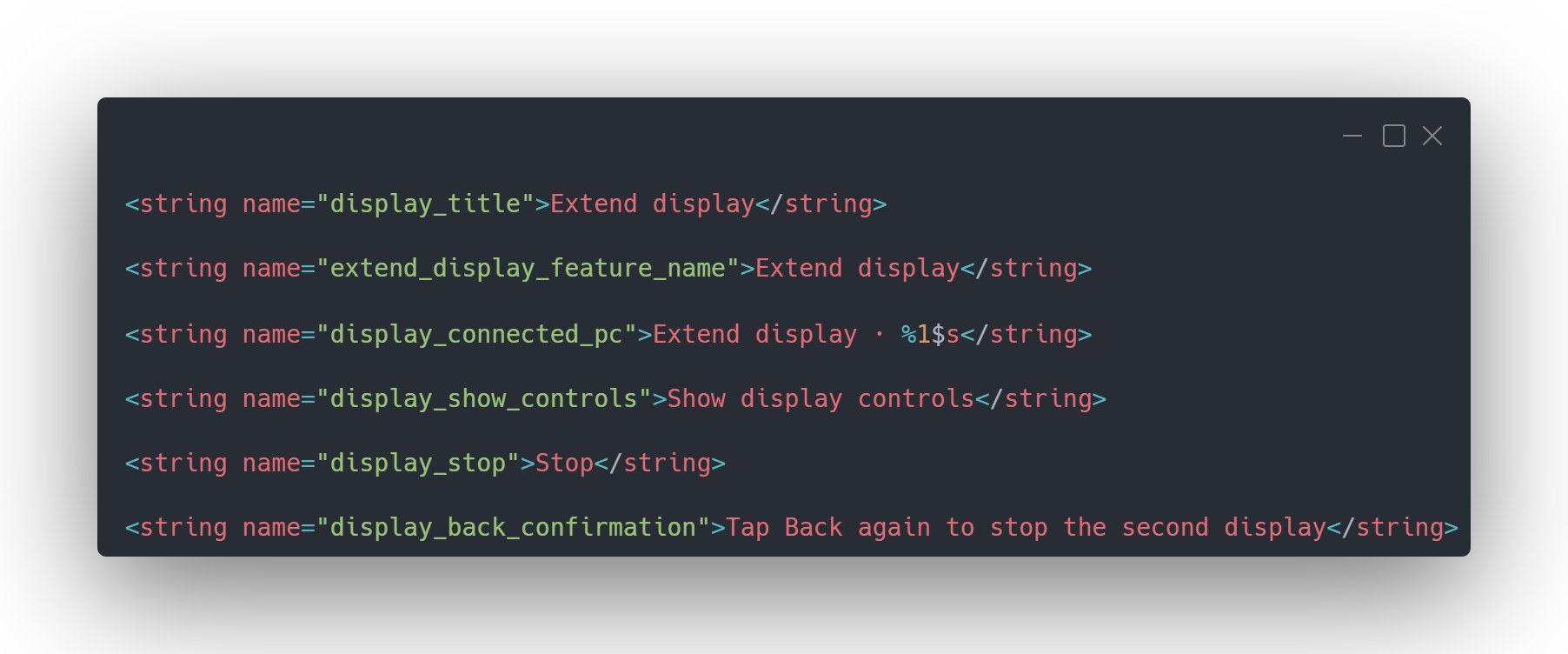
According to text Windows Latest obtained, Link to Windows has a separate page for "Extend display." The text suggests the "%1$s" placeholder will most likely show the computer's name, and includes display controls, a Stop button, and an option to end the session by tapping Back twice.
The site also found two icons in the app: feature_extend_display.xml shows two overlapping screens, while ic_display_monitor.xml shows a single flat monitor. These are only icon files and not evidence of how the feature will work.
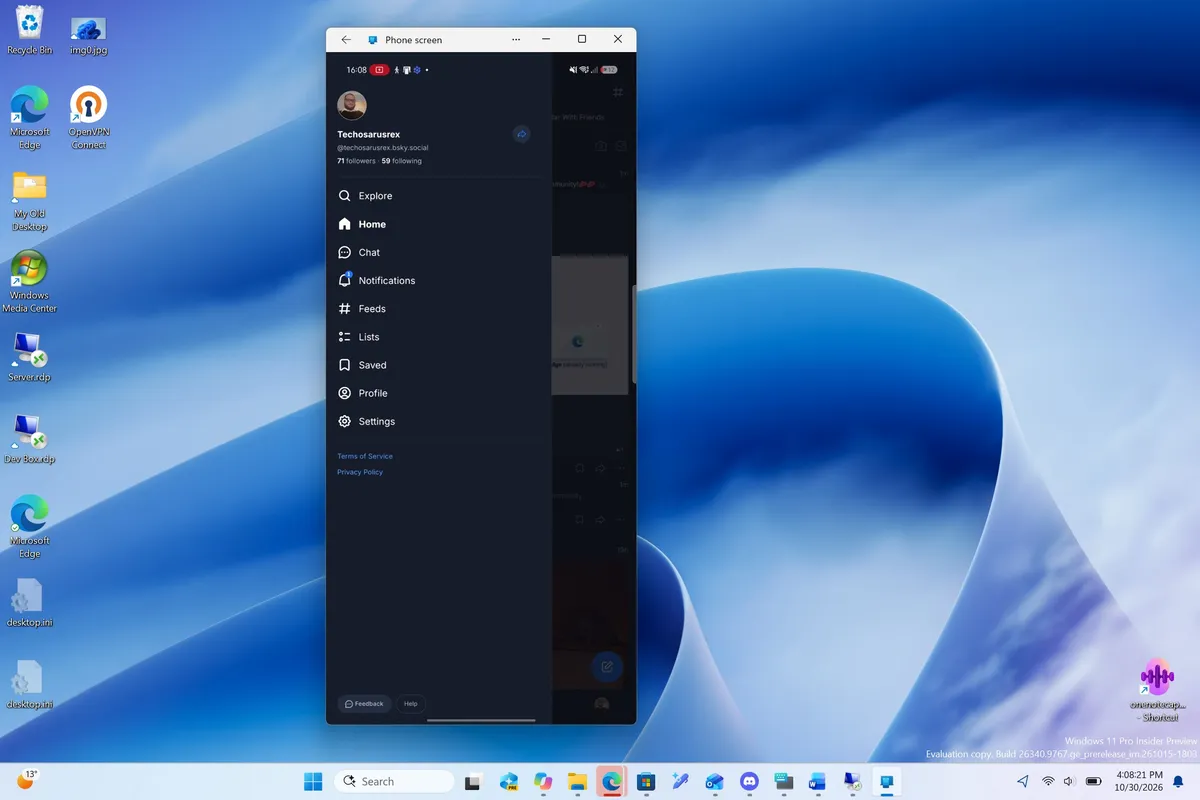
Phone Link already supports mirroring the screen of an Android phone to a PC and streaming apps. It was previously reported that Microsoft is also testing opening Android apps from the Windows 11 taskbar search. Extend display would work in the opposite direction: it would send part of the Windows desktop to the phone as an extra screen.
The Windows Latest writer describes trying Chrome Remote Desktop on an Android phone a few months ago and giving up quickly, since using Windows on a phone screen required constant zooming. A tablet screen looks much better suited to this feature because it is far larger.
The site notes that many people now have budget tablets that are slow but have solid screens, and suggests these devices could be used to keep Teams or a reference document open beside a laptop. On a regular phone, only a small chat window would fit; on foldable phones, the situation could be a little better.
Samsung offers a similar feature
Meanwhile, it is worth pointing out that Samsung's Second Screen feature already offers a similar function on some Galaxy tablets. spacedesk, on the other hand, requires a separate driver on the computer. It is said that if Extend display is integrated into Link to Windows, setup will be much easier.
However, it should not be assumed that the feature will be wireless. The Phone Screen feature requires both devices to be on the same Wi-Fi network. The code Windows Latest examined does not clearly show whether Extend display will use Wi-Fi, USB, or both.
H.264, HEVC and display settings found in Link to Windows code
Extend display works through a separate package called phone_as_display.v1. The PhoneAsDisplayInitiator class defines two ways to start a session: LTW (Link to Windows) and PC. This could mean a session can be started from either device, but it has not yet been confirmed that both methods work.
The code also refers to the H.264 and HEVC (Main, 8-bit) video codecs. It includes an identifier that tracks width, height and refresh rate. This suggests the computer will encode the desktop as video and send it to the phone, using a resolution and refresh rate agreed on by both devices. Which values are supported, however, could not be found in the code examined.
An experimental setting called ENABLE_PHONE_AS_DISPLAY checks whether the app shows this feature. Some code related to the display receiver and session setup appears to be missing in the version examined, which points to the feature not being finished yet.
The session will stop if the computer locks or the connection drops
The PhoneAsDisplayStopReason class groups the reasons a session can end under three headings: PC_LOCKED, RECEIVER_FAILED and CONNECTION_LOST. In other words, if the computer locks, the display receiver on the phone fails, or the connection drops, the session will stop. If no first video frame arrives, a 60-second timeout will kick in.
The CONNECTION_LOST reason may be especially important. It was previously reported that Phone Link keeps losing the Android phone after sleep mode.
Android compatibility could be Microsoft's biggest challenge
Windows Latest's writer uses a Motorola phone. Despite granting every permission in Link to Windows and Phone Link, they can't access the phone screen mirroring feature or the option to open phone apps on the PC.
Microsoft's supported devices page limits the Phone Screen feature to Samsung, HONOR, OnePlus, OPPO, Realme, ASUS, vivo, iQOO and Xiaomi devices. Motorola and Google Pixel are not on the list. Yet according to Counterpoint Research, Motorola accounted for 11% of US smartphone shipments in Q2 2026, while Pixel accounted for 3%.
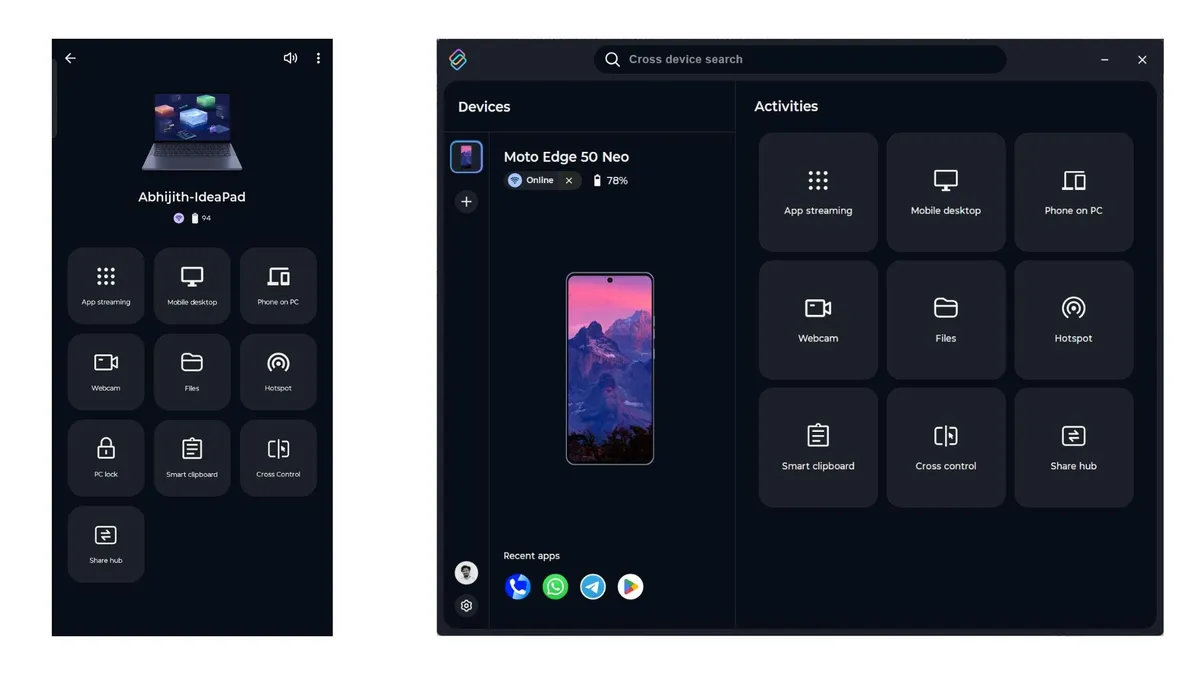
The source says it has been able to stream apps from its Motorola phone to a Lenovo IdeaPad every day using Lenovo's Smart Connect app, and stresses that this method is more comprehensive than Phone Link.
Meanwhile, with Google highlighting its Googlebook laptops, Pixel support may not be far off. For extend display to become a real advantage for Windows and Android, Microsoft will need more manufacturing partners beyond Samsung.
Microsoft has added features to recent versions of Link to Windows, including removing ghost PCs and continuing WhatsApp conversations from Android on Windows 11. However, there has been no announcement, supported device list, connection requirements or release date for extend display yet.