Windows 11 KB5127648 update released: Here are the changes
Microsoft has released the first Patch Tuesday update following the major Windows 11 26H2 update. Here are the details of the new update, build number KB5127648.

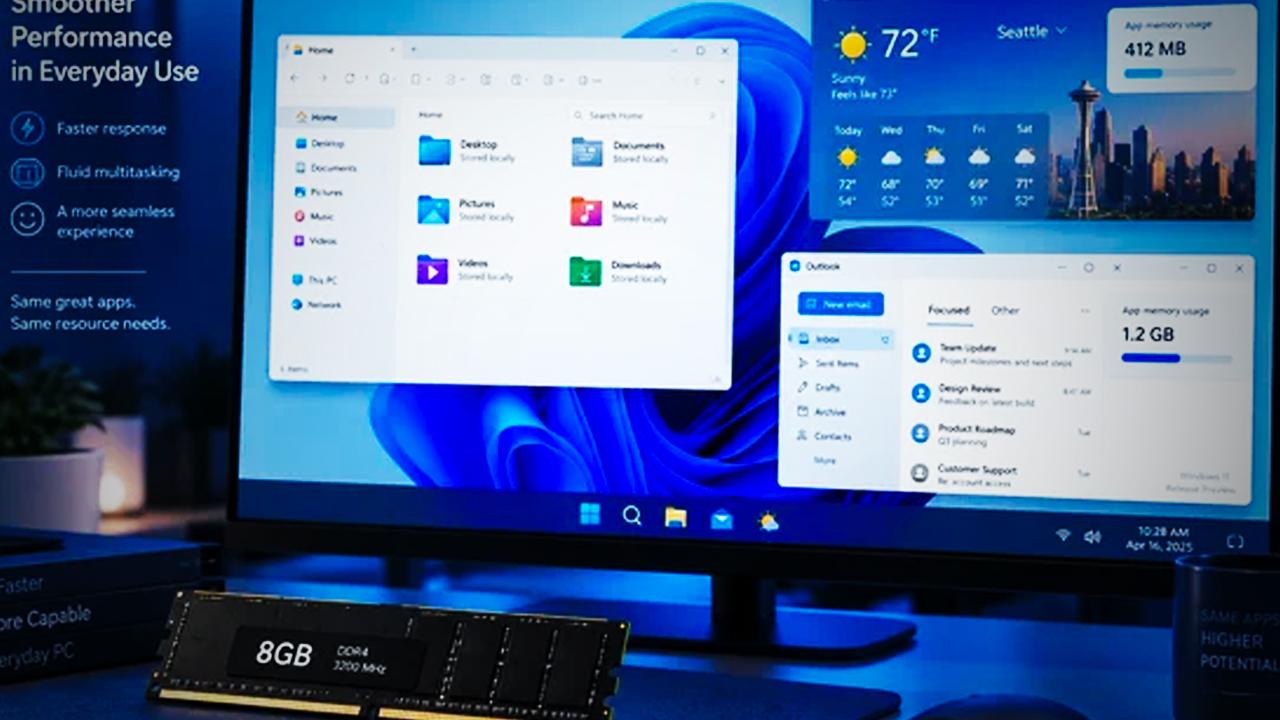
Software giant Microsoft recently released the 26H2 update, which has been rolled out to millions of Windows computers. Alongside interface improvements, the new update significantly balanced RAM consumption. Now, the monthly Patch Tuesday update has been released for the new versions. The latest update, with build number KB5127648, has been rolled out to computers running the 24H2, 25H2 and 26H2 versions. Here are the new features and the changelog the update brings.
Microsoft released the October Patch Tuesday update to fix issues in Windows 11 such as black screens, sound app crashes, and USB audio devices not working.
The patch in question was distributed under the code name KB5127648 for Windows 11 versions 24H2, 25H2 and 26H2, while the 26H1 version received the KB5127646 update.
Black screen issue resolved
Some computers using FSLogix with Azure Virtual Desktop (AVD) were experiencing a black screen issue during desktop loading. After logging into their accounts, users were unable to see the desktop and had to load it manually. Error logs also showed that Windows Explorer was crashing.
Meanwhile, Microsoft's update has completely resolved the aforementioned issue for Windows 11 versions 26H2, 26H1, 25H2 and 24H2.
AC-3 audio codec issue and USB device problems
Following last month's preview update, many applications that need to decode the AC-3 (Dolby Digital) audio codec were crashing or failing to open. The issue affected a wide range of software, from general applications to media players and games. Microsoft fixed this issue in the KB5127648 update for Windows 11 versions 26H2, 25H2 and 24H2.
Additionally, another issue affecting all Windows 11 and Windows 10 versions involved USB Audio Class 1.0 devices not producing sound or failing to start. Although Microsoft had addressed some of the symptoms with an emergency update last month, the Patch Tuesday update completely resolved the remaining issues.
Remote Desktop and future plans
Meanwhile, Microsoft has updated its advisory document regarding issues experienced with Remote Desktop connections. The issue was that non-administrator users were unable to establish connections on computers with the Administrator Protection feature enabled. Although there is no permanent fix yet, Microsoft has advised IT administrators to temporarily disable the Administrator Protection feature using their existing policy management infrastructure.
This article was translated from Turkish. Read the original article in Turkish.