Free Wi-Fi users beware: Avoid these 5 mistakes
Free Wi-Fi offered by cafes, shopping malls, and even some municipalities always carries risks. Experts have outlined 5 rules to follow.
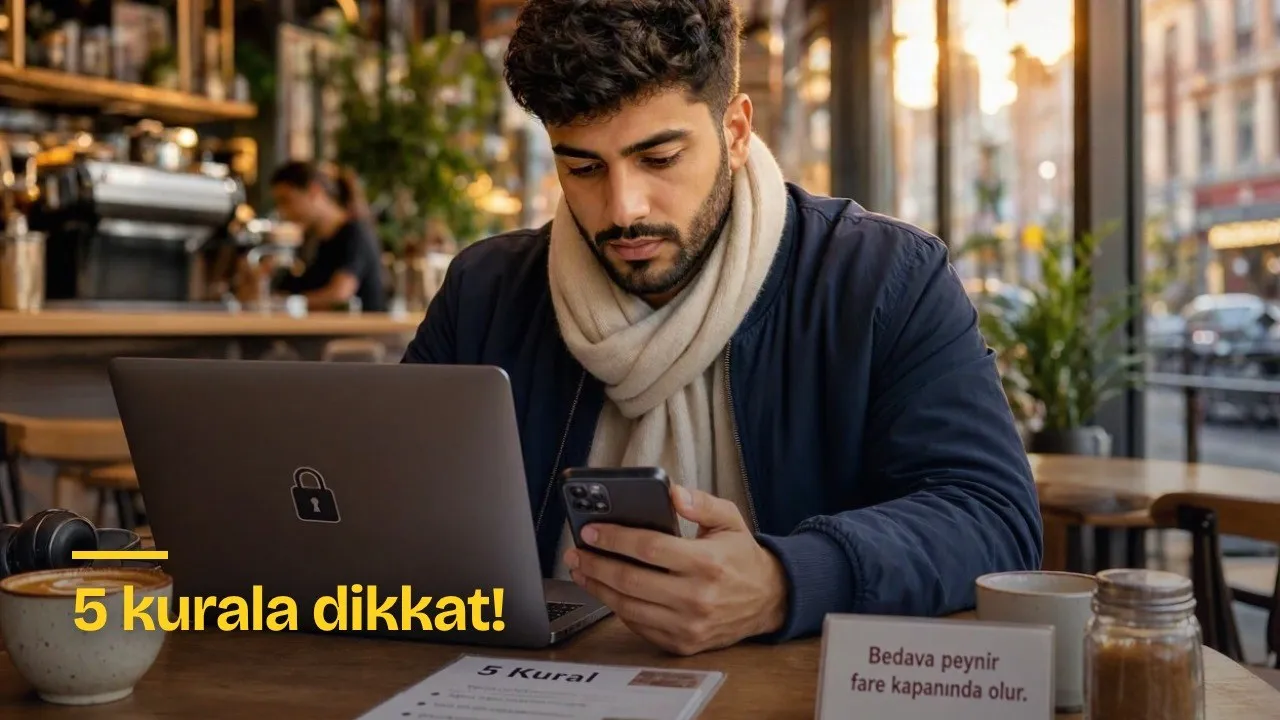
With the spread of technology, we can now access internet connectivity everywhere. Today, when we go out, it is very easy to find free internet access at any venue or street. However, there is a saying: "Free cheese is only found in a mousetrap." Indeed, there are always serious risks involved with free internet. Experts have announced 5 rules to pay attention to.
Connecting to free internet at a cafe, airport, or shopping mall seems easy and attractive. However, certain transactions carried out on public Wi-Fi networks can risk your personal information and the security of your digital accounts.
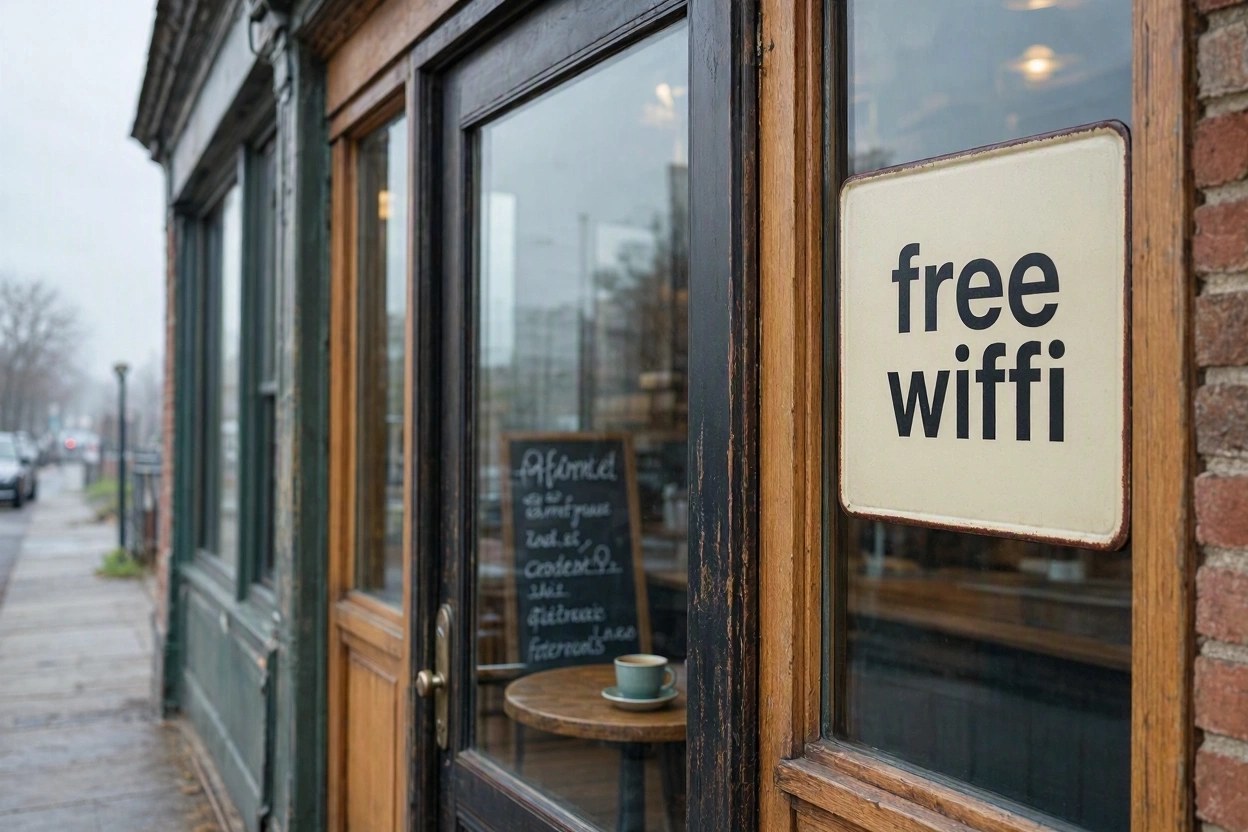
Because wireless networks whose sources cannot be verified can cause users to face security risks without realizing it.
Therefore, when using public Wi-Fi, you need to pay attention not only to the connection speed, but also to what actions you perform. Simple measures recommended by experts can help prevent potential grievances.
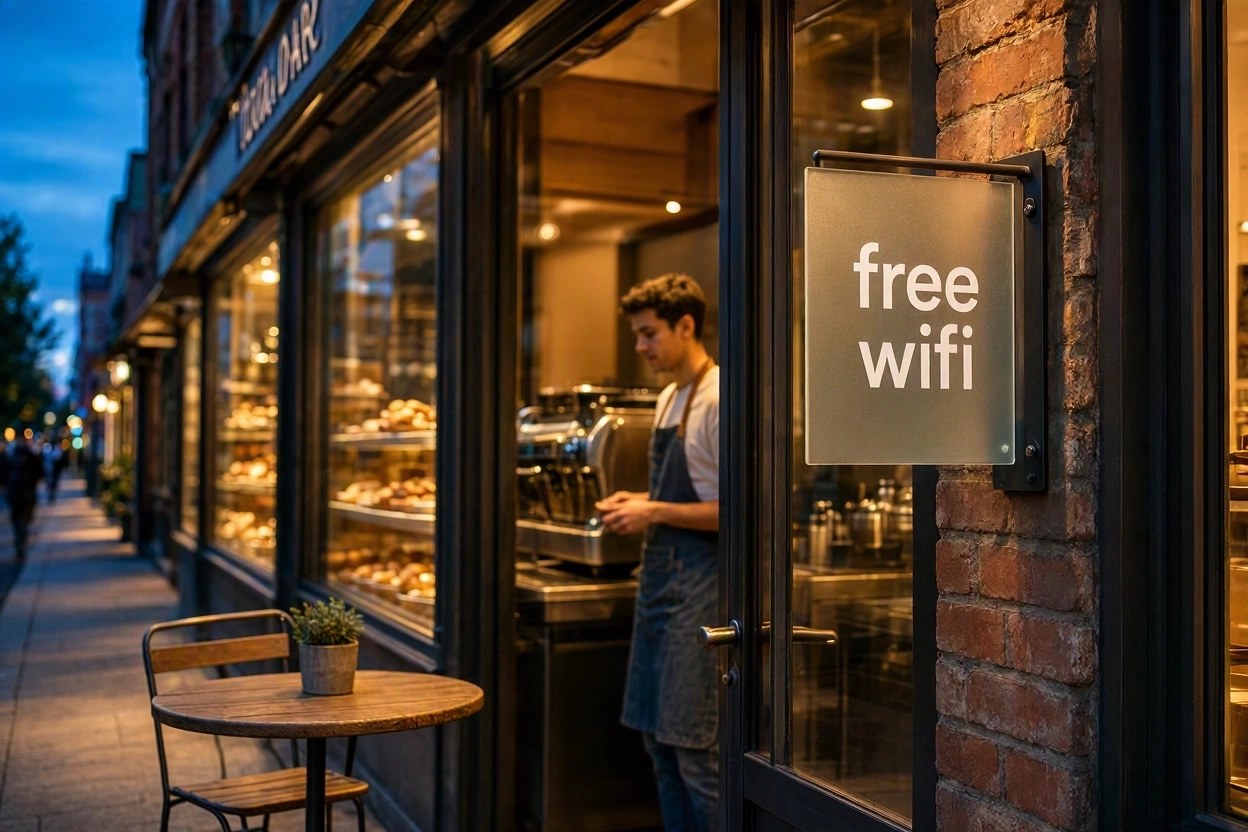
Five Mistakes You Should Avoid
1. Postpone banking transactions if possible
Accessing online banking, performing money transfers, or using your card details while connected to a public network can pose an unnecessary risk. Although banks' encryption and additional authentication systems provide significant protection, fake websites and phishing attacks create a separate danger. If you need to perform an urgent transaction, prefer a mobile data connection and use your bank's official application.
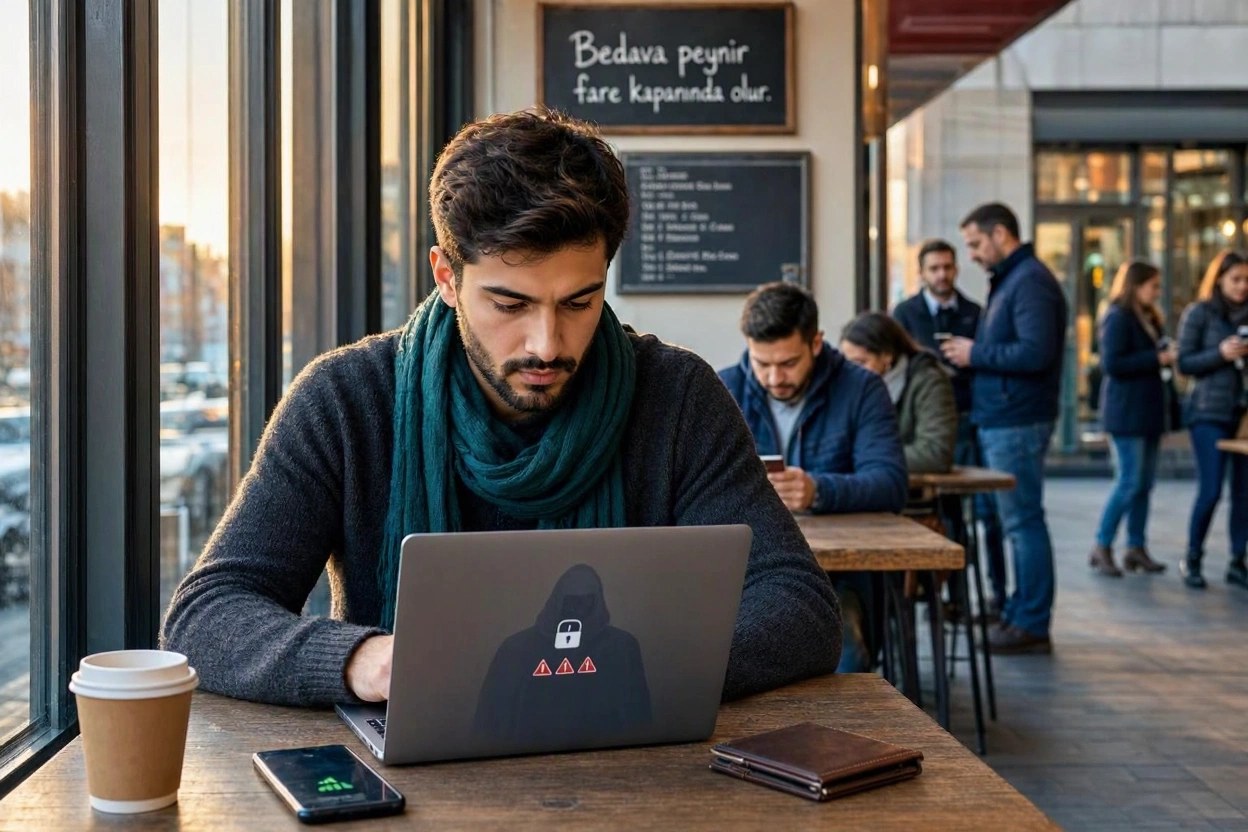
2. Do not use your passwords everywhere
Be careful when entering passwords for your email, social media, and other accounts. Fake login screens can be designed to capture your username and passwords. Setting a different password for each account and enabling multi-factor authentication where possible reduces the risk of your account being compromised.
3. Do not connect to unfamiliar networks immediately
On the other hand, there is no guarantee that every Wi-Fi network bearing the name of a cafe or airport actually belongs to that business. Fraudsters can create fake connections with names that resemble real networks. Verify the network name with the venue staff before connecting. Be cautious of screens requesting personal information, card numbers, or passwords unexpectedly for internet access.
4. Do not leave file sharing turned on
Unnecessarily keeping file sharing and device discovery features turned on on your device can weaken your security. It is especially important to set the network profile to public on laptops and turn off unused sharing features. Keeping your operating system and applications up to date also provides protection against known security vulnerabilities.
5. Check the auto-connect feature
Your device automatically joining wireless networks you have previously connected to can lead you to connect to an untrusted network without realizing it. Deleting networks you do not use from your saved connections list and turning off the auto-join feature provides more controlled usage.
Short Checklist
| Situation | Recommended Behavior |
|---|---|
| Banking and payment transactions | Use mobile data or postpone |
| Account login | Unique password and multi-factor authentication |
| New network | Verify the network name with staff |
| Device settings | Turn off file sharing, keep updated |
| Saved networks | Delete ones you don't use, turn off auto-join |
This article was translated from Turkish. Read the original article in Turkish.