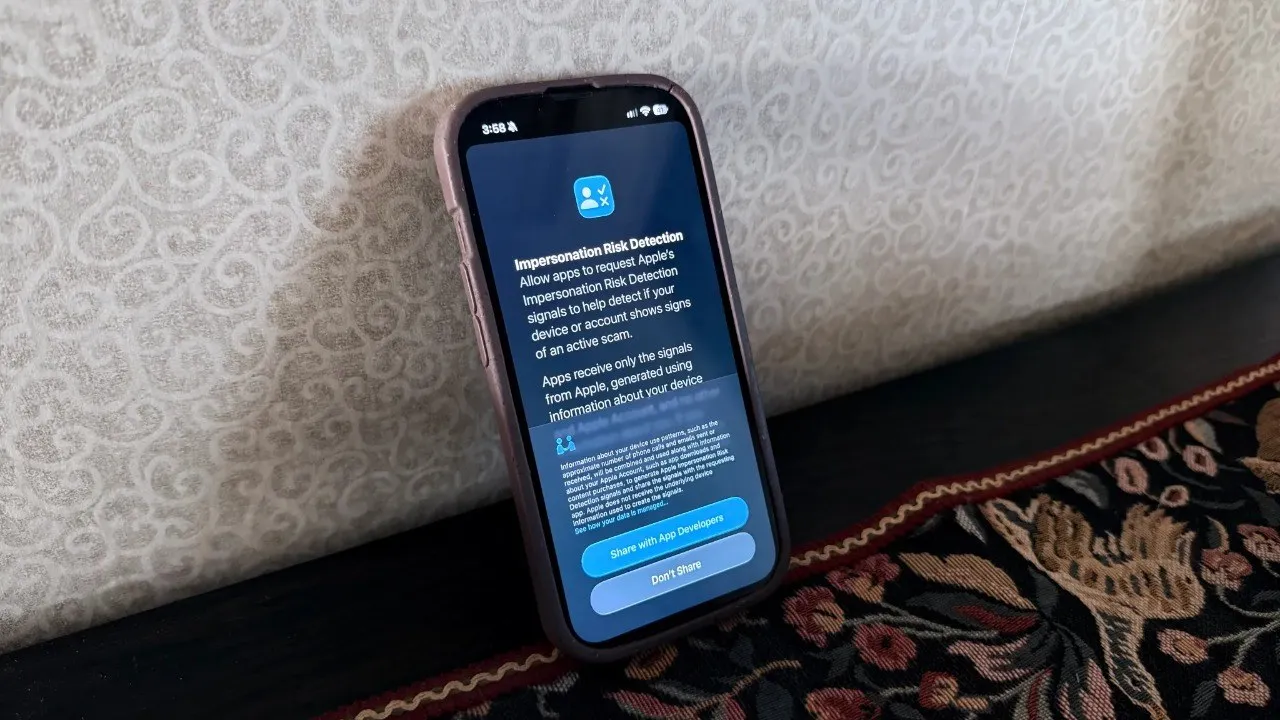
Hidden anti-scam setting on iPhones: Everyone has it, but no one knows about it
Apple offers useful features against scams on iPhones. Provided with iOS 27, this feature is unknown to many people. We explained in detail how to enable it.
Although Apple AirTag and similar Bluetooth tracking devices are designed to find personal belongings, they can also be used for unauthorized tracking. Apple and Google have added automatic detection features to both iOS and Android operating systems to prevent users from being tracked without their consent. When a tracking device separated from its owner moves with you, your phone can alert you.
Due to security protocols, devices issue alerts under certain conditions. When faced with an unwanted tracking situation, it is possible to physically disable the device.
How Does This Affect You?
An AirTag carried in your jacket, bag, or vehicle without your knowledge can transmit your location data to the owner of the device. This situation directly threatens the security of your personal space. By keeping the correct settings enabled, you can detect and block such hidden devices on both your iPhone and Android device.
How to Detect Tracking on iPhone and Android Devices?
In the Apple ecosystem, when the iPhone is turned on and an AirTag near you is separated from its owner, the "AirTag Found Moving With You" notification appears on the screen. This warning also applies to AirPods and other Find My network accessories. Additionally, iPhone 11 and newer models equipped with Ultra-Wideband technology can show the location of the device step by step using the "Precision Finding" feature.
On devices running Android 6.0 and above, Google's integrated "Unknown Tracker Alerts" feature is active.
On the other hand, users can perform a manual scan by entering the Security and Emergency tab in the Settings menu and play a sound on the tracking device without notifying its owner. On older Android models, the Apple Tracker Detect app downloaded via the Google Play Store can be used.
What Should You Do When an Unknown AirTag Is Found?
When you find a device you suspect, you can perform an NFC scan by tapping the top of your smartphone against the white surface of the AirTag. On the web page that opens, the serial number of the device and the last four digits of the owner's phone number are displayed. If it has been marked as lost, a contact message may also appear on the screen.
To turn off the device completely, you need to press down on the metal cover and turn it counterclockwise to remove the CR2032 battery. Once the battery is removed, tracking stops immediately, but the device owner can still see the last known location. In moments when you think your safety is threatened, it is recommended to take a screenshot of the serial number as evidence and contact law enforcement.
This article was translated from Turkish. Read the original article in Turkish.