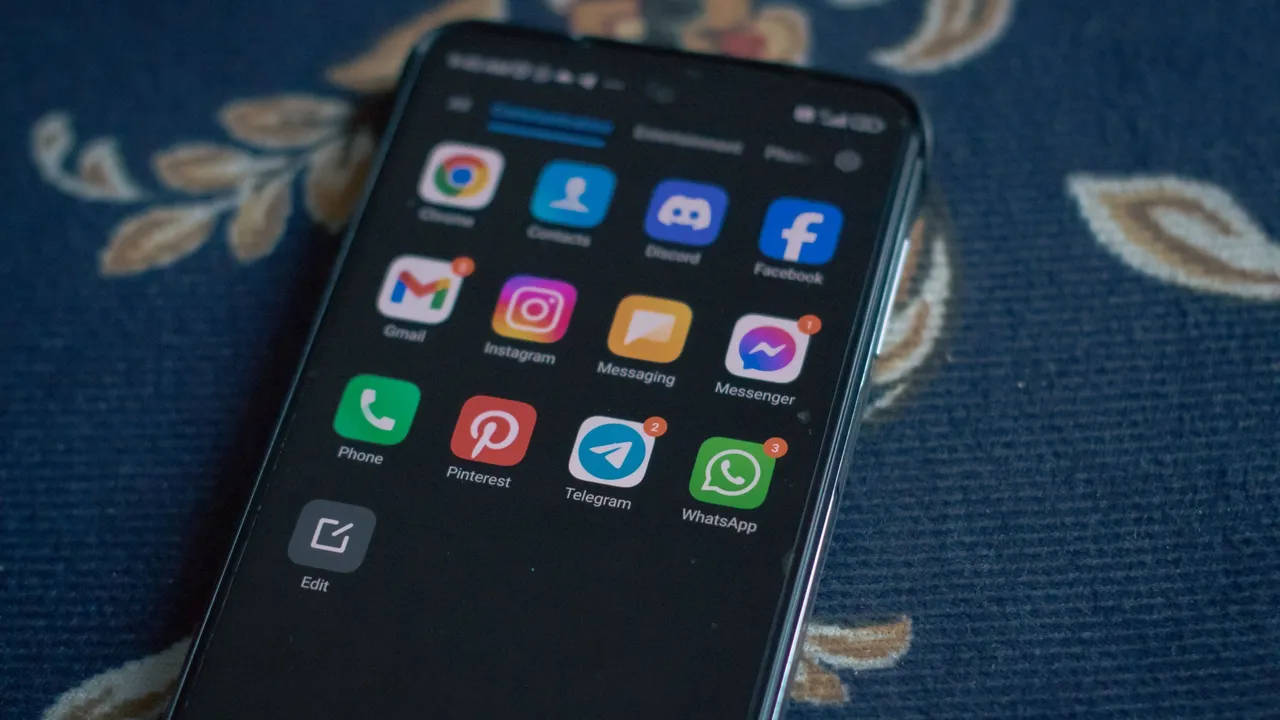
Telegram has started sending in-app security warnings to iPhone owners running an outdated iOS version. Company founder and CEO Pavel Durov said in a post in the early hours of Saturday, November 28, that iPhone users are being "hacked at scale," and that merely opening a website on an outdated device can be enough to fall victim to an attack.
The warning arrives as a message from Telegram's official service notifications account. It says the user's iOS version is outdated, that this version contains security flaws that put data and accounts at risk, and that the phone should be updated immediately. The message also walks users through the process: go to Settings, then General, then Software Update, and install the latest available iOS version. Durov did not say which attack the warning is based on.
Durov announced the warning on X at 02:08 Türkiye time. He wrote that every piece of data on an iPhone running even a slightly outdated iOS version is at risk, and said the warning was sent to all Telegram users on outdated iOS versions. The post includes a screenshot of a message dated November 27.
Two attacks targeting iPhones emerged in November
Durov did not name a specific attack, but two major campaigns targeting outdated iOS versions surfaced in November. The first involved malicious code planted on the websites of 178 organizations, including the BBC, CNN and Zoom, on November 16. The code loaded an attack kit matched to the iOS version of any iPhone that visited the site.
The second came to light through a report published on November 20 by ad security firm Confiant, dubbed MoldyRoost. According to the report, attackers ran ads between May 12 and November 17 across more than 47 countries, using over 480 domains. Simply tapping the ad and loading the page it opened was enough to compromise a vulnerable iPhone. Users did not need to download any file or approve anything.
Which iOS versions are at risk?
Both campaigns used attack kits called Coruna and DarkSword. Coruna, documented by Google's threat intelligence team and by iVerify in March, targets iOS versions from 13.0 through 17.2.1. DarkSword targets versions from iOS 18.4 through 18.7. The kits are designed to steal cryptocurrency wallet recovery phrases, keychain passwords, messages and photos. Confiant also says MoldyRoost used a separate kit, GhostWave, which looks for iPhones running the current iOS 18 versions.
Apple has closed the flaws these kits exploited with its latest updates. According to the company's security updates page, iOS 27.2.1, released on November 9, is the most current version for iPhone 11 and later. The same day, Apple released iOS 26.7.3 for users who want to stay on iOS 26, and iOS 18.7.12 for iPhone XS, iPhone XS Max and iPhone XR, which cannot run iOS 27.
What should iPhone users do?
The first step for anyone who received the Telegram warning is to install the latest version available for their device by following Settings, then General, then Software Update. Keeping Automatic Updates turned on, which is available on the same screen, ensures security patches are installed without delay.
Telegram's warning only reaches people who use the app. The attacks, however, are not specific to Telegram: they run through ordinary websites and ads. iPhone owners who do not use Telegram but remain on an outdated iOS version face the same risk.