6 Key Features Galaxy S24 Ultra Owners Didn't Get with One UI 9
Samsung released its latest interface update, One UI 9, for its former flagship Galaxy S24 Ultra. However, the latest update skipped 6 important features.
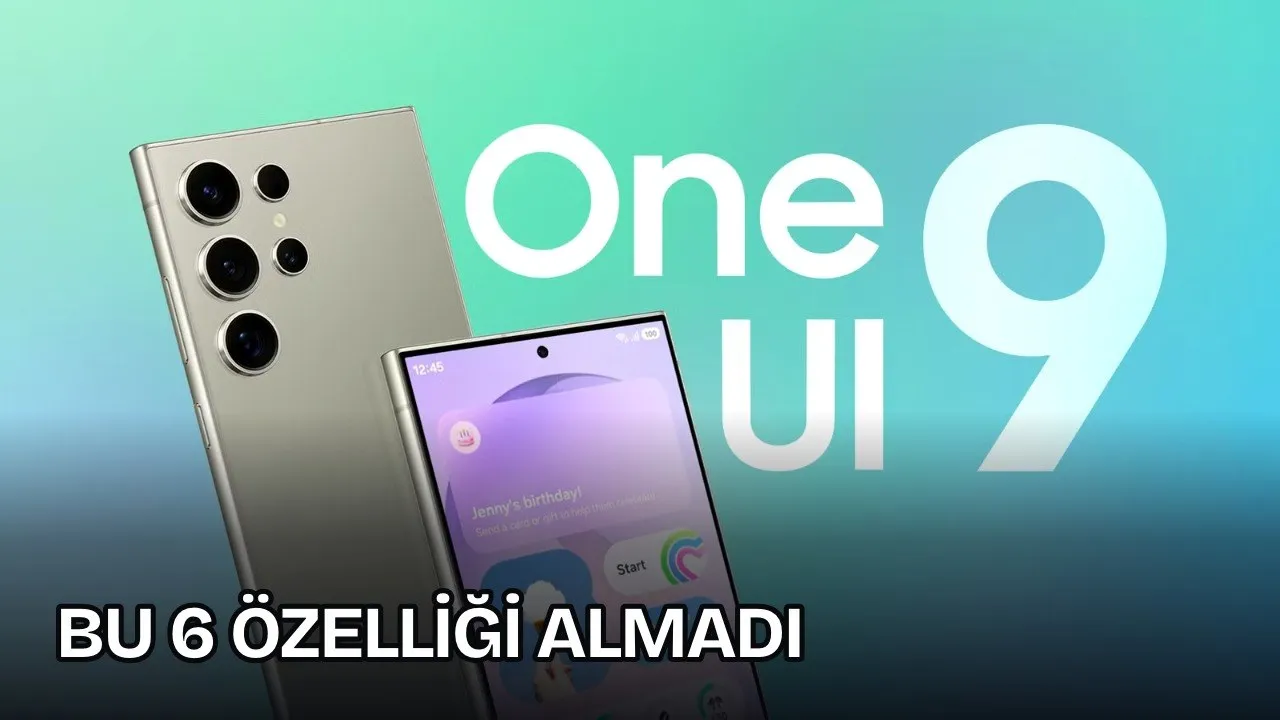
Continuing the rollout of the One UI 9 update, Samsung released its new major update for the Galaxy S24 series in October. The update brought many new features, but S24 owners lacked at least 6 features.
The new update for the Galaxy S24 Ultra brought some capabilities introduced with the Galaxy S26, such as Call Brief, personalized Now Brief cards, and My FanCam, to the previous generation flagship. In contrast, multiple software tools found in the Galaxy S26 and Galaxy S25 series were not added to the Galaxy S24 Ultra, despite its hardware power appearing sufficient.
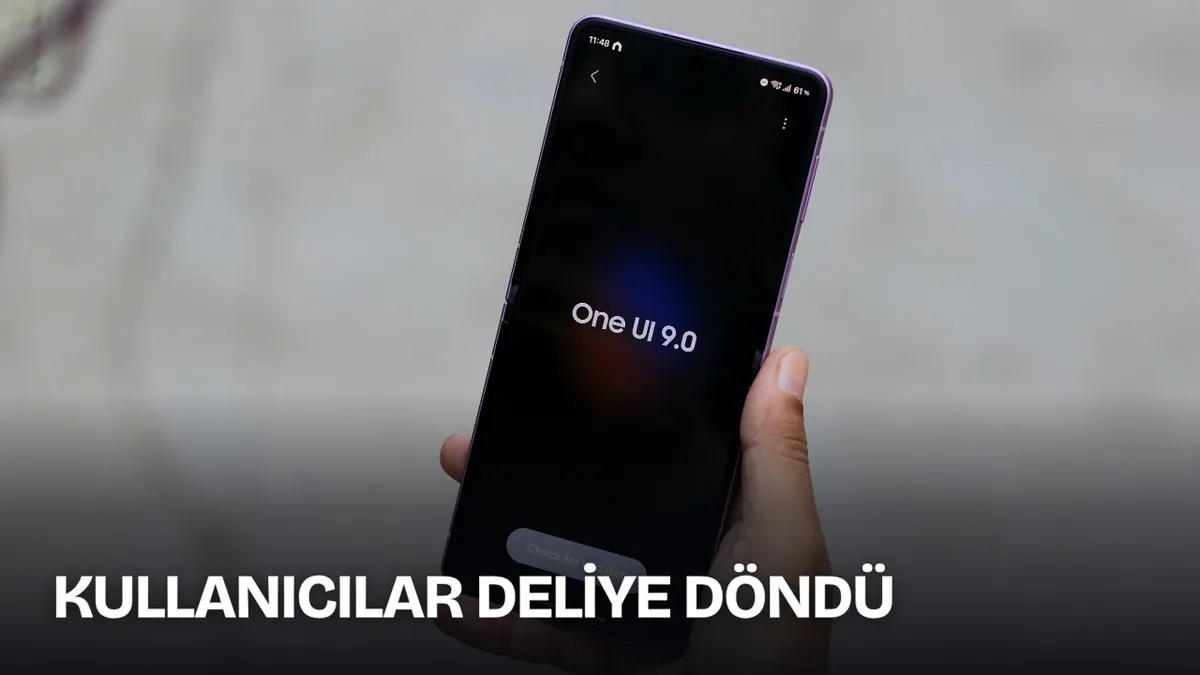
One UI 9 Features Not Given to Galaxy S24 Ultra
Although the Galaxy S24 Ultra has the technical infrastructure to run basic artificial intelligence (AI) and camera functions, it did not receive some One UI 9 functions. Software differences between the two model generations are gathered under specific headings.
| Feature | Galaxy S26 / S25 Status | Galaxy S24 Ultra Status |
|---|---|---|
| Notification Highlights | Available (In Settings > Galaxy AI menu) | Not supported |
| USB Webcam Mode | In direct use via cable connection | Feature not added |
| Camera Horizontal Lock | Horizon line stabilization up to 360 degrees | Only standard Super Steady mode available |
| 24 MP Photo on Main Camera | Active in default camera app | Only available in Expert RAW app |
| Pro Video Additional Frame Rates | 25, 48, 50, and 100 fps options | Only standard speeds (24, 30, 60, 120 fps) |
| Dual Recording Vertical Screen Layout | Vertical layout dividing screen equally | Old floating window format is preserved |
Lacks in Artificial Intelligence (AI) and Connectivity
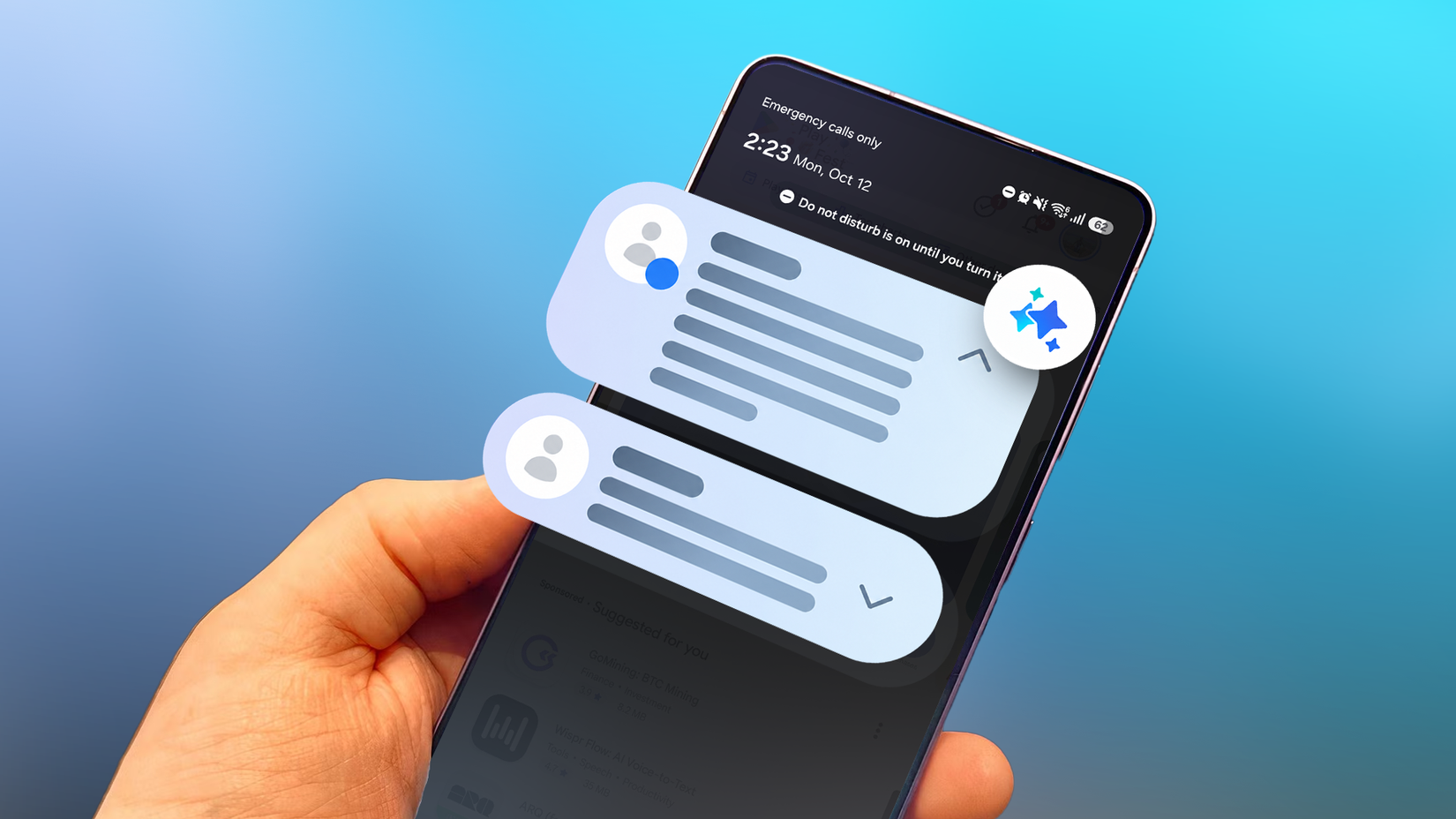
On the other hand, notification highlights, a new part of the Galaxy AI package, shortens notifications using artificial intelligence (AI) and moves important ones to the top of the list.
This tool developed by Samsung works on the lock screen notification panel as well as the Now Brief screen. Although the Galaxy S24 Ultra can summarize long texts in Note Assist, Browsing Assist, and Voice Recorder apps, the notification summarization capability was not included in the system. The feature can be enabled via Settings > Galaxy AI > Notification highlights on Galaxy S25 and Galaxy S26 models.
On the wired connection side, USB webcam support was not brought to the S24 Ultra. When connected to a computer via USB cable, the Galaxy S26 and new generation foldable Samsung models can operate directly as an external webcam through an additional menu option. This feature, offered by Google on the Pixel 6a model since 2023, was not included in the One UI 9 version of the Galaxy S24 Ultra.
Restrictions in Camera and Video Recording Capabilities
Furthermore, Samsung assigned the Horizontal Lock option added to Super Steady video recording to the Galaxy S26 and Galaxy S25 series. Using the phone's gyroscope and accelerometer hardware, this tool keeps the horizon line steady up to 360 degrees even if the device is tilted or turned upside down. On the Galaxy S24 Ultra, tapping the Super Steady icon only activates the traditional anti-shake system.
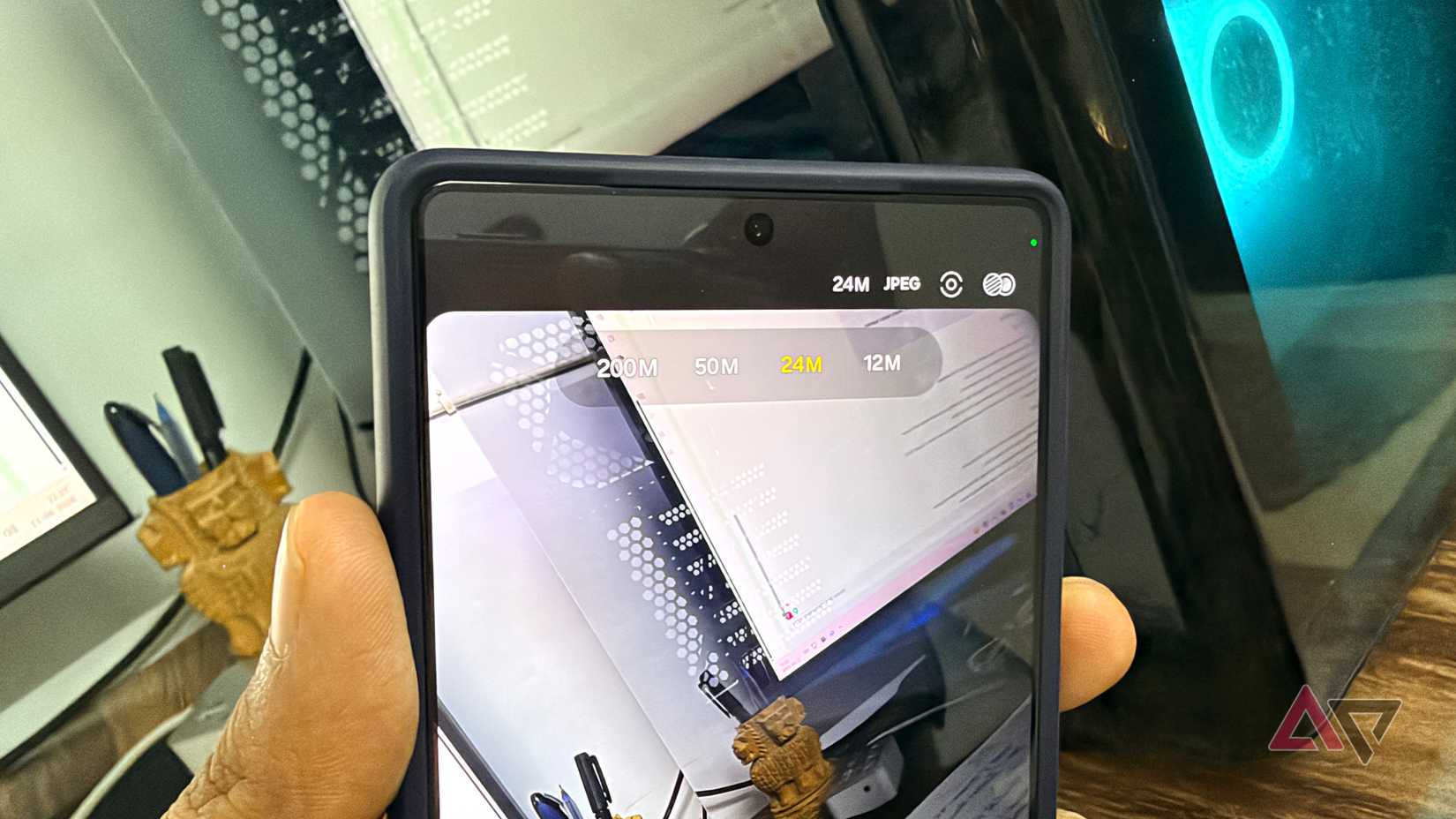
On the resolution side, the 24 MP shooting option was not added to the default camera interface. The device currently supports 12 MP, 50 MP, and 200 MP resolutions. 24 MP resolution can be captured on the same phone using the Expert RAW app, but this option is not offered to users in the main camera app.
The 25, 48, 50, and 100 fps recording options added to the Galaxy S26 series for those working in Pro video mode were not brought to the Galaxy S24 Ultra. Although the device can record at 120 fps in 4K resolution, it retains only 24, 30, 60, and 120 fps values in Pro mode. In the dual recording feature that enables simultaneous shooting with the front and rear cameras, the old floating window layout was retained instead of the new split-screen interface suited for vertical video formats like Shorts and Reels.
This article was translated from Turkish. Read the original article in Turkish.