TechTurco WhatsApp ChannelOne-way channel: your number stays private
Samsung
Frustrating issue in One UI 9: Internet drops and SIM card is not detected
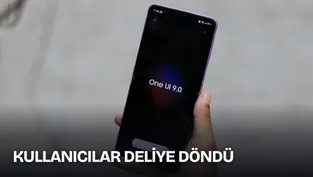
Samsung's rapidly released new update, One UI 9, faces two serious issues. Samsung users who updated to the new version report that physical SIM cards are not recognized and wireless connections drop.
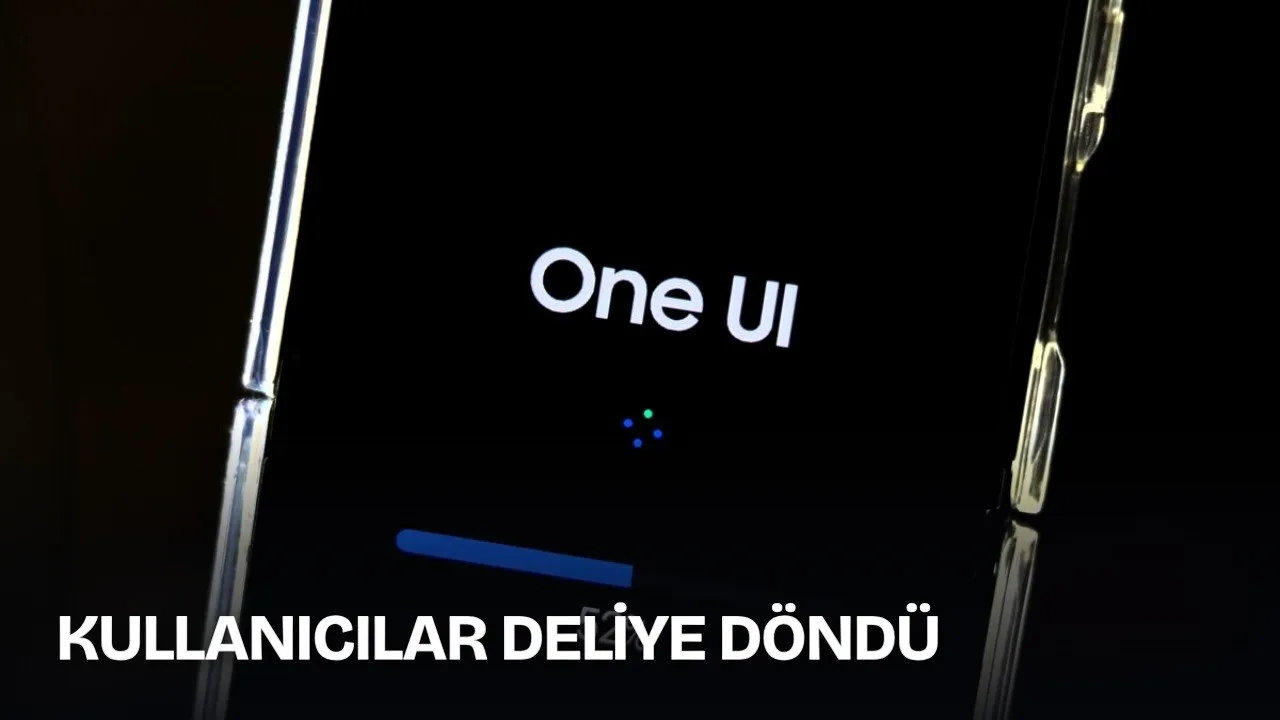
While the One UI 9 update brought new features, it also caused software issues. As the update reaches more users every day, those switching to the new version have started reporting serious problems.
Wireless connectivity and hardware diagnostic issues appeared on Samsung smartphones that received the One UI 9 update. Users report problems such as Wi-Fi disconnections, cellular data access errors, and physical SIM cards not being detected by devices.
SIM card not detected and internet problems occur in One UI 9
Connectivity issues were not limited to a single model group. Similar errors occur on mid-range devices such as Galaxy A52s and Galaxy A56, as well as flagship phones like Galaxy S24 Plus and Galaxy Z Fold 7.
Reklam
According to information reported by users, random Wi-Fi disconnections occur on wireless networks. Devices throwing errors when switching to the 5GHz band and IMS services enabling Wi-Fi calling stopping are among other reported disruptions.
In addition to network problems, physical SIM cards became unrecognizable by devices. Internal diagnostic tools of the phones cannot detect inserted SIM cards.
Hardware-Independent Error and Temporary Solutions
The disruptions were observed on Samsung models powered by both Exynos and Snapdragon processors. This indicates the issue stems from the One UI 9 platform infrastructure or updated modem software files rather than processor-specific drivers.
Reklam
Be the first to know
Join our channel and get key developments straight on your phone.
TechTurco Telegram ChannelMute or leave any time
Standard troubleshooting steps yield no results. Resetting network settings or restoring phones to factory settings did not resolve the problems. Some users found a temporary fix by disabling Wi-Fi 7 mode under "Connectivity Labs" in the Developer Options menu. However, this setting is not available on all Galaxy models.
Increased Battery Drain and Update Expectations
The software issue also affects power management alongside connectivity problems. Battery consumption on devices has increased noticeably. Despite similar usage habits, phone batteries drain faster than before.
Samsung community moderators recommend booting affected devices into Safe Mode. Users are waiting for a hotfix update to directly resolve the network infrastructure and battery drain issues.
Reklam
This article was translated from Turkish. Read the original article in Turkish.
More in Samsung