Contents
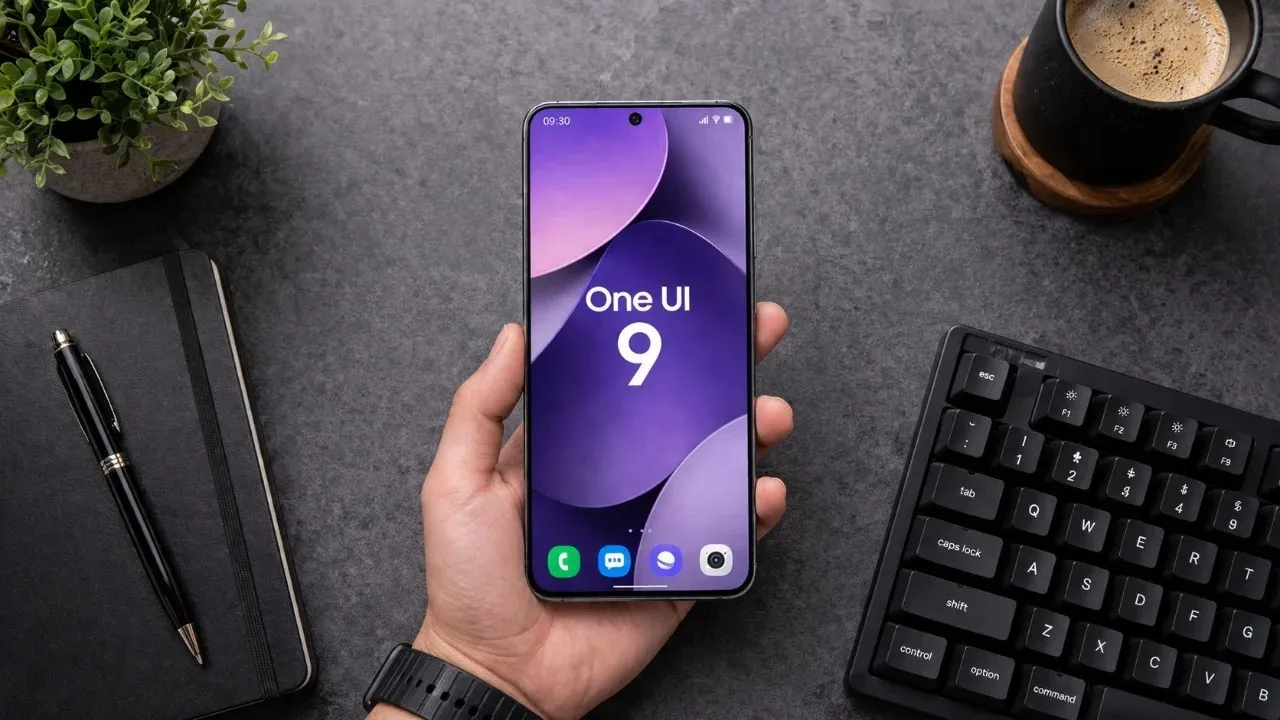
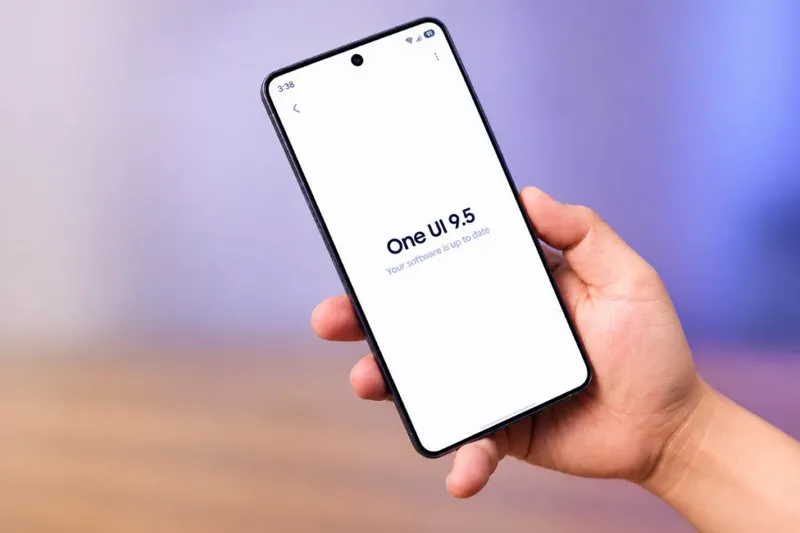
While One UI 9 brought visual changes, Samsung is taking things a step further with One UI 9.5. The major changes are expected with One UI 10, but the features coming with One UI 9.5 are already exciting.
As you know, Samsung released the first beta of One UI 9.5 for the Galaxy S26 family shortly ago. According to reports from users enrolled in the beta program, the build contains more improvements than expected.
Most of the new features are small in scope, but some could make a noticeable difference in daily use.
A native app lock is finally coming
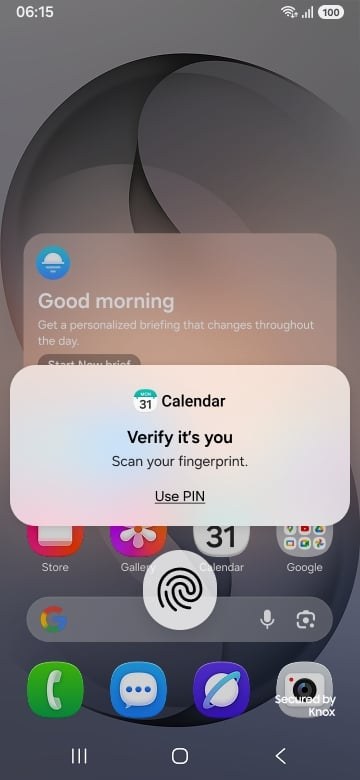
With One UI 9.5, Samsung is bringing a native app lock feature to Galaxy phones. The feature has been added to the first beta and is expected to make it into the final release. It has long been available on other Android brands and adds a second verification layer on top of the lock screen to protect apps.
Galaxy phones already have Secure Folder, but it works differently. It creates an isolated space with its own login. App Lock protects selected apps directly. To lock an app, long-press its icon and tap the lock icon in the menu that appears. Locked apps ask for authentication every time they are opened.
A 3D-style effect on the lock screen
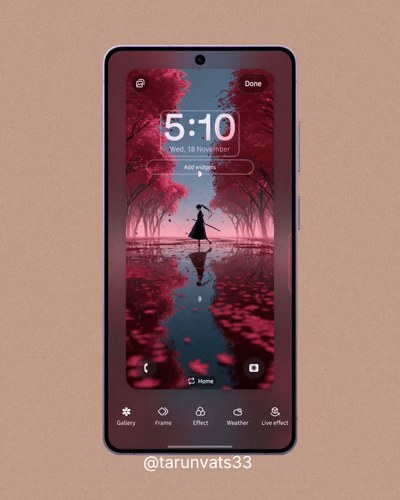
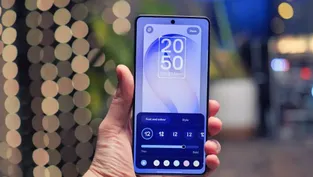
The new Live effect gives the lock screen wallpaper a sense of depth by moving its elements at different speeds as the phone tilts. Samsung could already apply this effect from the Gallery app, but the result was a video that did not respond to how the device was tilted. In the new version, the effect is applied directly in the lock screen wallpaper editor, accessed by long-pressing the wallpaper and choosing the option at the bottom right.
The feature works only on premium devices: the Galaxy S series (including FE models), Galaxy Z foldables and Galaxy tablets. For now, the only users who can access it through the beta program are Galaxy S26 owners.
The camera app gets simpler
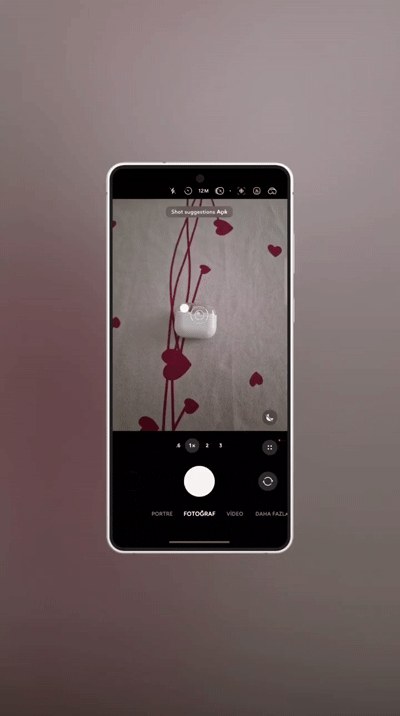
One of the changes I'm most curious about is on the camera side. The update is still in development, but I'm sure Samsung will keep improving the camera with each new beta build.
With One UI 9.5, the camera's quick settings panel has been redesigned. Flash, timer, aspect ratio, resolution, exposure and white balance icons now appear without scrolling, and a shortcut to camera settings is also in this panel.
There are also changes in Pro and Pro video modes. Frequently used controls can be placed on either side of the shutter button. In Pro mode, you can choose between AEL, timer, aspect ratio, metering, histogram, focus peaking and AF area selection. In Pro video mode, soft zoom, ratio, histogram, focus peaking and AF area stand out.
Tap to Share is coming to Quick Share
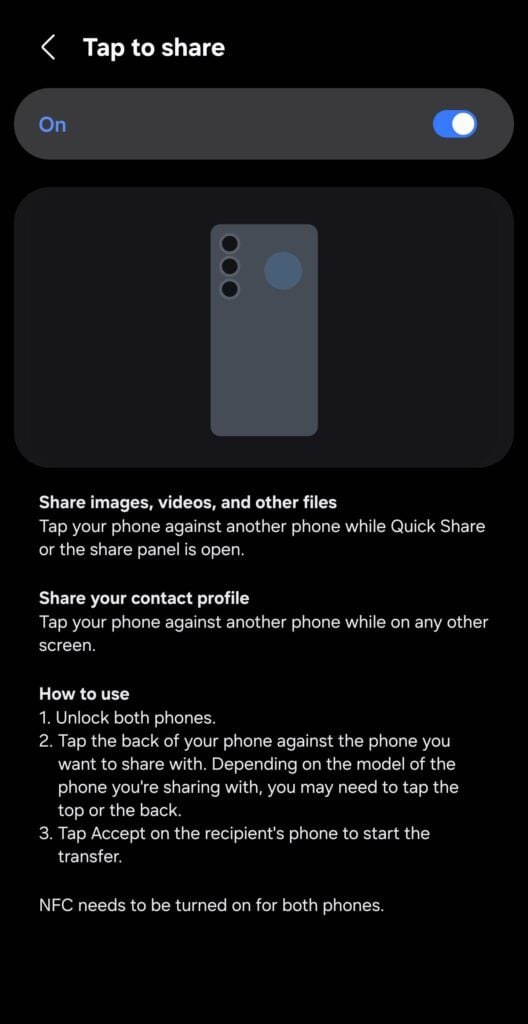
The new software adds Tap to Share to Quick Share. It works similarly to AirDrop on Apple iPhones: you simply tap the back of a compatible Galaxy phone against the back of the phone you want to send files to. NFC, Bluetooth and Wi-Fi must be turned on on both devices, and the screen must be unlocked. After selecting your files and opening Quick Share from the share menu, tap the phones together. The recipient must accept before the transfer begins.
Mindful notes in Samsung Health
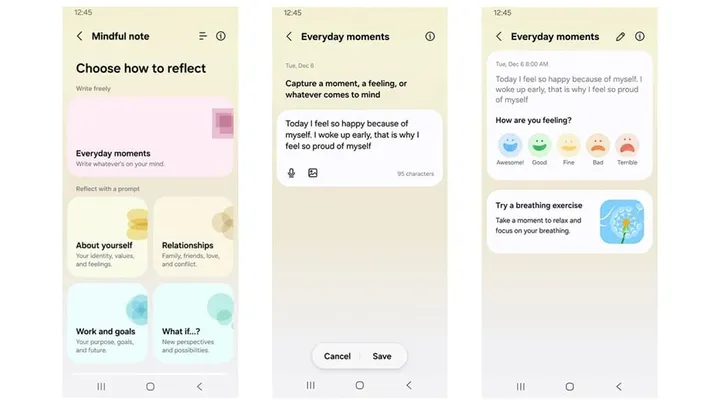
The Mindful notes feature, added to Samsung Health, gives users a space to write about their day, feelings or whatever is on their mind. Free-form writing is available under "Everyday moments". Ready-made prompts such as "About yourself", "Relationships", "Work and goals" and "What if...?" can also be selected. Each prompt comes with a short description and a reflection question, and the refresh button lets you move to another question in the same category.
These features appeared in the first One UI 9.5 beta build. New beta releases are expected in the coming weeks. Some features are also thought to be held back for the Galaxy S27 launch early next year, but this is speculation and Samsung has made no official statement.
As for Türkiye, beta testing is not yet available in the country. But the official stable release should arrive with fewer issues and with all the finished features.