Contents
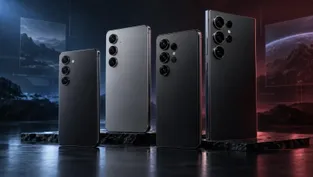
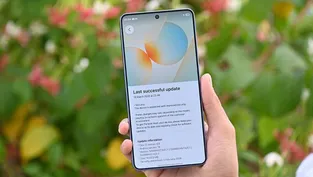
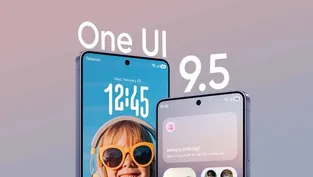
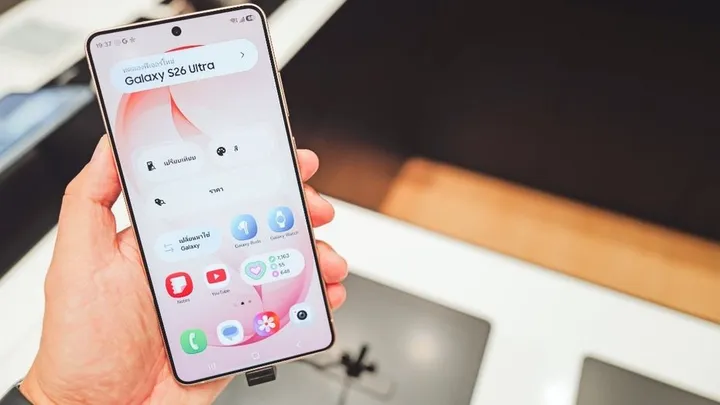
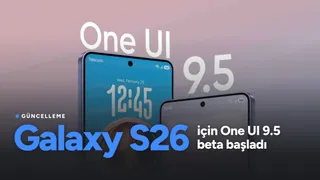
Samsung has started rolling out the One UI 9.5 beta, based on Android 17, to the Galaxy S26, Galaxy S26+ and Galaxy S26 Ultra. The beta update is arriving earlier than expected and brings new features to the devices.
According to Samsung, the program is initially open to users in Germany, India, South Korea, Poland, the United Kingdom and the United States. The beta can be downloaded by users who sign up through the Samsung Members app.
More comprehensive features than One UI 9
The software package, which is about 3.6 GB in size, also includes the November 2026 Android security patch. Samsung says this release offers a more comprehensive set of features than One UI 9.
Changes to the camera and lock screen
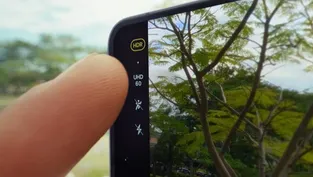
Quick camera controls are now grouped on a single screen without requiring a swipe, and the bottom shutter area has been simplified. In Pro and Pro Video modes, users can create presets with buttons, zoom levels are displayed as focal lengths, and the manual sliders are more precise.
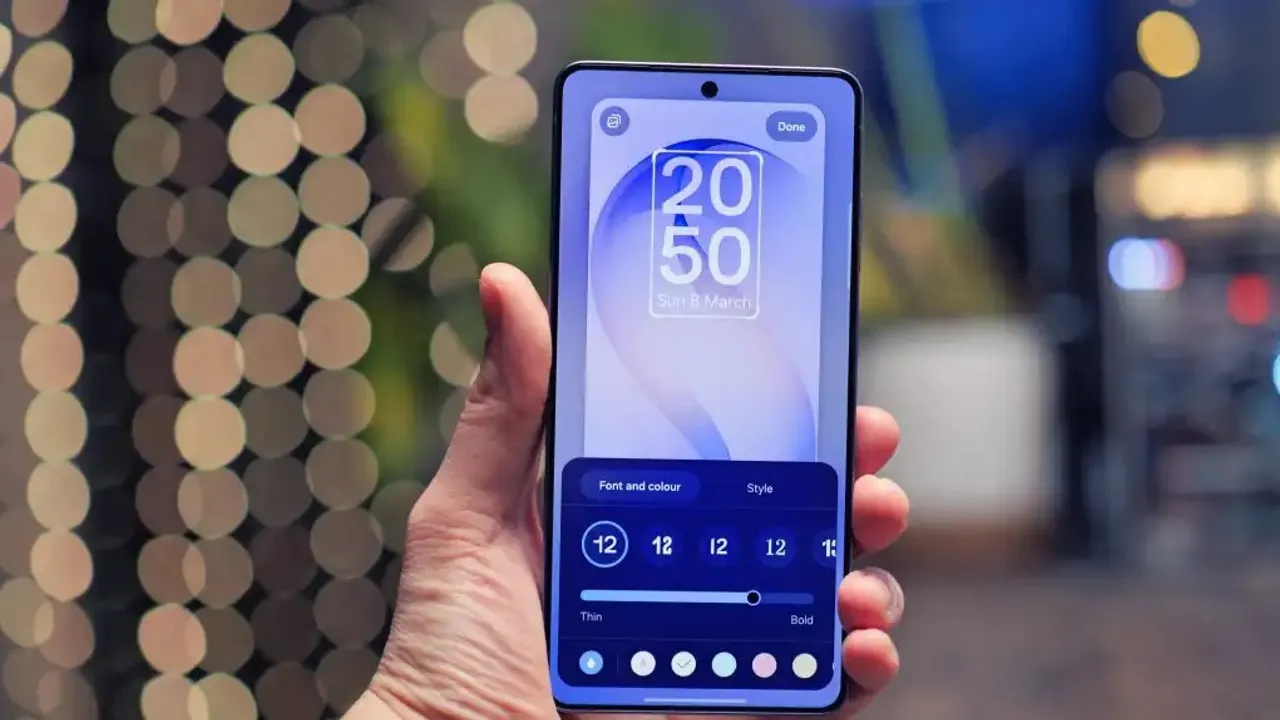
Live lock screen wallpapers that create a sense of depth when the phone is tilted are now available on the flagship S series, the Z series and tablets. The time the lock screen clock stays on screen can be set to 10 seconds, 30 seconds, 1, 2, 5 or 10 minutes.

Privacy and security
Individual apps can be locked with biometrics or the screen lock. Notification content and search suggestions from locked apps are hidden. On the Galaxy S26 Ultra, Privacy Display turns on automatically for locked apps, Samsung Internet Secret Mode, Gallery secret albums, locked notes, the notification panel and recent app previews.
If fingerprint and face recognition are both enrolled, simultaneous authentication is possible without any extra tap. The biometric enrollment screens have also been redesigned.
File management and DeX
In addition to PDF and TXT, the My Files app can now open PPTX and DOCX documents without an external app. In storage management, uncategorized files and in-use files in the "Other" category can be deleted.
In Samsung DeX mode, maximized windows now fill the entire screen, and window controls have moved to the status bar. Windows can snap to the four corners, and running apps can be arranged in 2, 3 or 4 split-screen sections at the same time.
Health and accessibility
In Samsung Health, personalized sleep coaching can be started using only the last two weeks of sleep data from three days. For users in the US, a single food photo automatically logs nutritional values, ingredients and calorie estimates. The ability to save medications, set reminders and track daily intake is now available worldwide.
On the accessibility side, a floating shortcut button reachable from any screen and on/off status indicators have been added. The volume of connected hearing aids can be adjusted from the notification panel. Meanwhile, Audio Brief and Moments in Now Brief have been removed with this update.
The update is currently in beta and can be downloaded in the countries listed above. For Türkiye, we suspect beta testing will probably not take place, and we expect the stable release to arrive in the coming months. Stay tuned for further developments.