Microsoft Removes Eight Copilot Actions from Windows 11 File Explorer
Microsoft will gradually remove eight OneDrive-linked Copilot actions from the right-click menu of Windows 11 File Explorer starting mid-November 2026. The features will continue to be available through the Copilot and OneDrive apps, while the "Ask Copilot" option in File Explorer will be retained. Here are the changes that will be made.
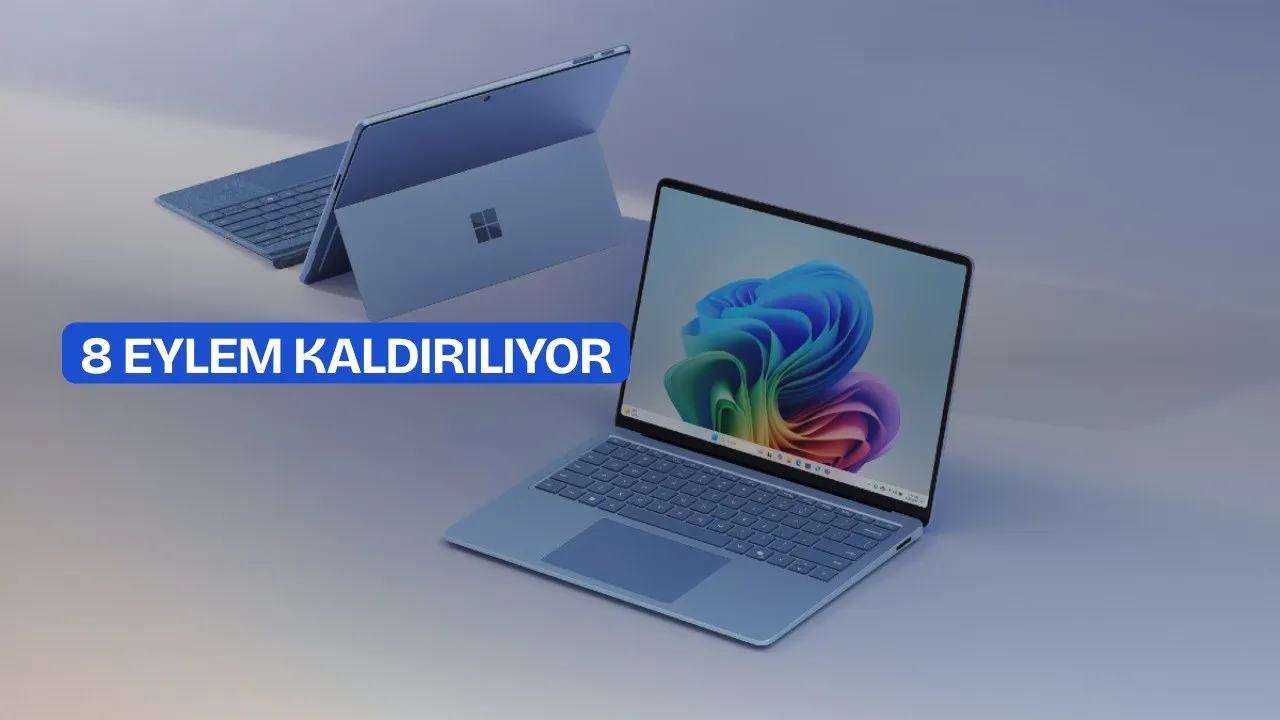
Making the Windows 11 operating system more user-friendly with its recent updates, Microsoft has now set its sights on Copilot's menus. Most recently, the software giant is making adjustments to File Explorer's right-click menu for Copilot in Windows 11.
Microsoft is removing eight Copilot actions from the right-click menu in Windows 11 File Explorer. The change will begin in mid-November 2026 and is scheduled to be completed by December 2026. The options to be removed cover functions such as document summarization, file comparison, image description, and text extraction linked to OneDrive.
Which Options Are Being Removed?
According to information shared by Microsoft in its admin center, the tools to be removed focus on file and image operations accessed via OneDrive. Instead of retiring these options completely, the company is only removing the individual entries from File Explorer's context menu.
This change particularly affects Windows 11 users who use OneDrive or sync their files with this service.
How Will Users Access These Features?
Instead of the removed options, supported features will continue to be accessed through the following ways:
- Copilot app
- OneDrive activity center
- The "Ask Copilot" option in File Explorer
On the other hand, the "Ask Copilot" option will be retained. If the user uninstalls the Copilot app, this access option may also disappear.
Rollout Schedule
Microsoft will begin the removal process in mid-November 2026. Since the rollout is gradual, some users may continue to see the options for a few more weeks. Users do not need to perform any manual action prior to the transition.
Microsoft's Artificial Intelligence (AI) Strategy in Windows
The File Explorer decision is part of Microsoft's effort to reorganize its artificial intelligence (AI) integrations across Windows. In March 2026, the company announced that it would integrate Copilot more selectively into areas that provide real value. In this context, the following changes were made:
- Some Copilot access points in apps such as Snipping Tool, Photos, Widgets, and Notepad were reduced.
- In Notepad, the "Writing Tools" name started being used instead of Copilot branding.
- The Copilot button in the Photos app was removed.
- The "Ask Copilot" feature on the Windows 11 taskbar was paused based on user feedback.
- Copilot-powered themes and the "Wrap up your day" prompt in the new Outlook were scheduled for removal.
These steps coincide with the "Microslop" criticisms that became widespread in online communities in early 2026. During this period, Microsoft temporarily locked the Discord server where the term was shared as a spam prevention measure, and in September reported that the term was no longer blocked.
How Does This Affect You?
If you use OneDrive and have your files summarized or compared from the right-click menu, you will need to perform these actions via the Copilot app, the OneDrive activity center, or the "Ask Copilot" option starting from November 2026. The exact functional workflow that will replace the removed options is not yet clear [VERIFY: which of the removed actions will be directly covered via "Ask Copilot"].
This article was translated from Turkish. Read the original article in Turkish.