Using iPhone on Mac Gets Easier: 3 Amazing Features Coming with macOS 27
Apple has made the user experience between iPhone and Mac even more refined with macOS 27. Here are the three notable new features coming.
The macOS 27 update has resolved numerous issues that Mac users had been complaining about. The new update offers a smoother and flawless operating system experience. Alongside this, it also improves the experience between iPhone and Mac.
The macOS 27 Golden Gate and iOS 27 updates that Apple released last month bring three important improvements to iPhone Mirroring, one of Mac users' favorite features. Users can now resize the iPhone Mirroring window as they wish, access the Control Center via a keyboard shortcut, and watch DRM-protected videos without any issues.
The feature, which previously had limited functionality, has become much more flexible and useful with these updates. These changes will provide great convenience especially for users who want to use iPhone apps on their Mac screen while multitasking.
The iPhone Mirroring Window Can Now Be Resized
One of the most notable changes coming with macOS 27 is that the size of the iPhone Mirroring window has become adjustable. Previously, only three fixed size options were offered (small, actual size, and large), but now users can enlarge or shrink the window however they like.
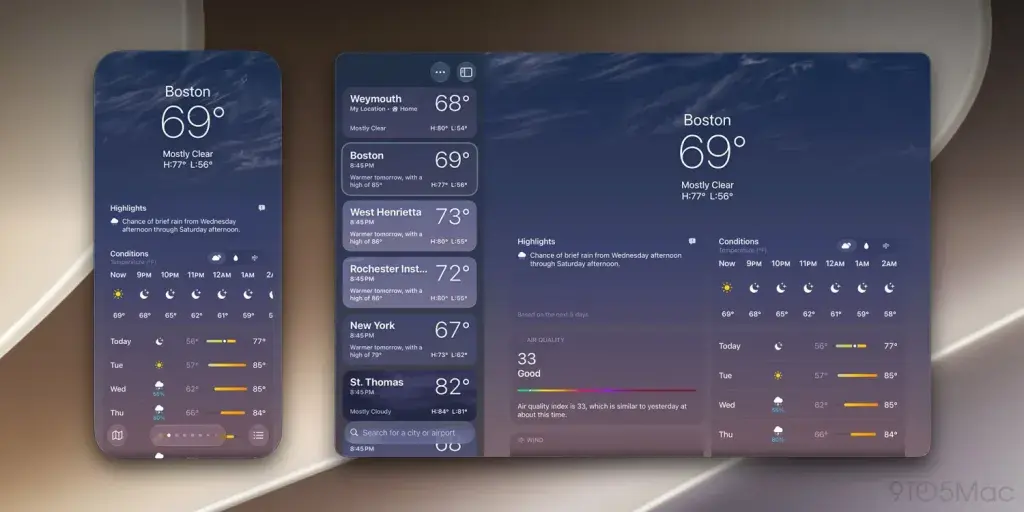
This feature currently only works with Apple's native apps. However, as developers update their apps for iOS 27 later this year, this support is expected to quickly spread to third-party apps as well.
This change may be a sign that Apple is preparing for the foldable iPhone Ultra, which is expected to launch later this year.
Control Center Access and DRM Video Support Have Arrived
Meanwhile, two other important updates coming with macOS 27 and iOS 27 are Control Center access and DRM video support. Previously, it was not possible to access the Control Center through iPhone Mirroring. With the new version, users can quickly access the Control Center from the "View" menu in the Mac's menu bar or by using the CMD+4 keyboard shortcut.
DRM video support, on the other hand, allows copyright-protected content to be watched on the Mac screen via iPhone Mirroring. Previously, trying to play such videos would result in a black screen appearing on the Mac. With this update, you can now enjoy content from your favorite streaming services on your Mac.
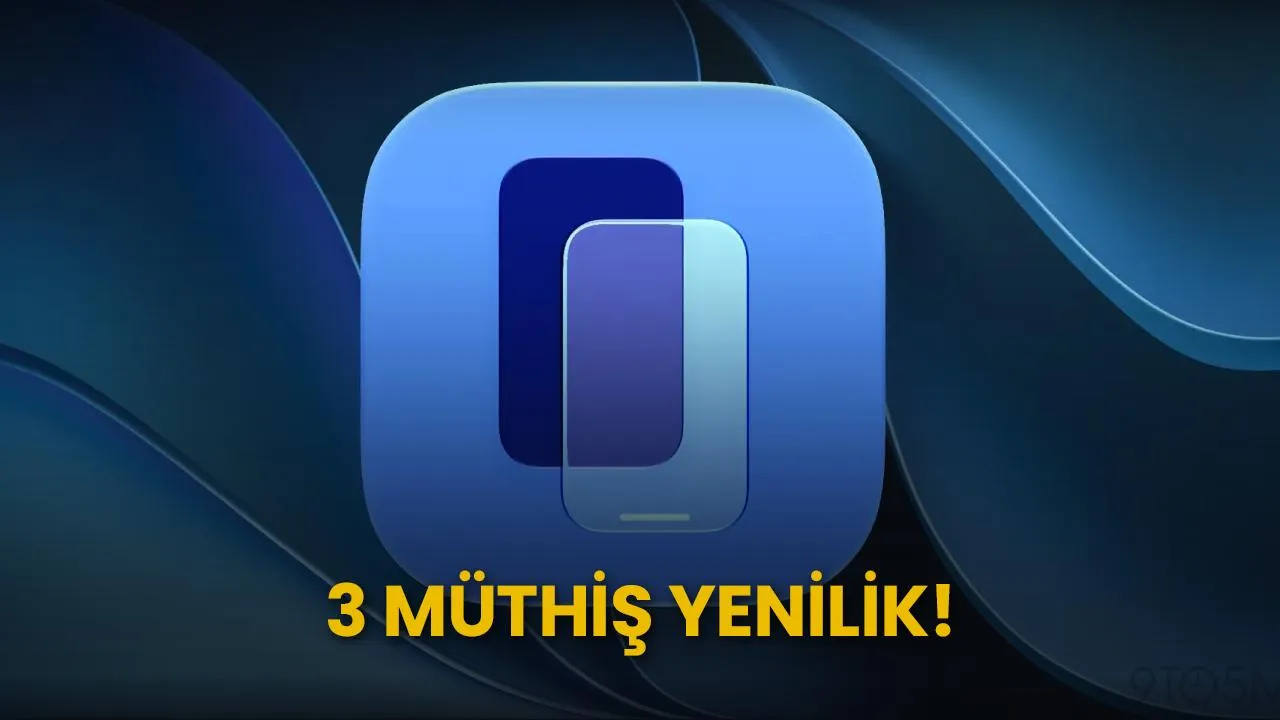
Additionally, macOS 27 introduces a new app icon for iPhone Mirroring, just as it does for many other standard Apple apps.
This article was translated from Turkish. Read the original article in Turkish.