How macOS 27 Works on Touchscreen MacBook Pro: New Features
Apple developed the macOS 27 operating system specifically for the touchscreen MacBook Pro model. The OLED screen MacBook comes with exclusive features in the new operating system.
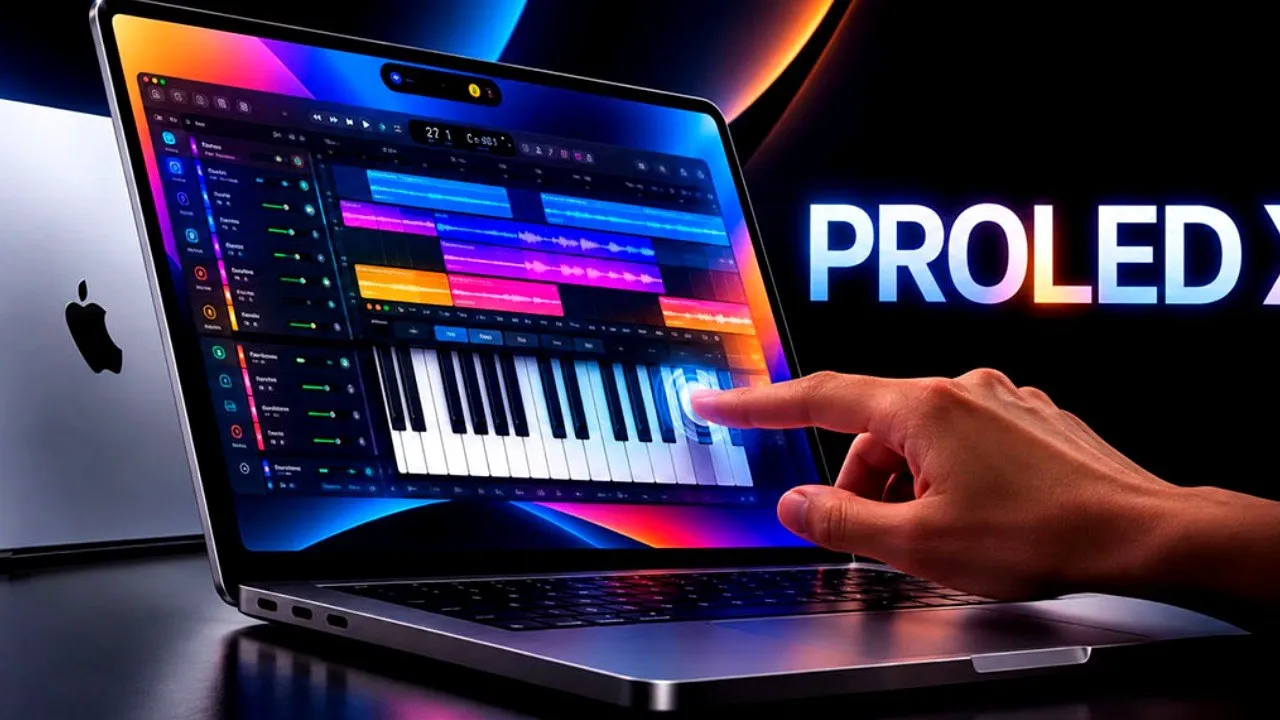
Apple has built Mac devices on the macOS operating system for years. Providing a smooth user experience like iOS, this operating system was updated with the latest macOS 27 update. Apple's first touchscreen MacBook Pro model also arrived with macOS 27 Golden Gate, developed specifically for it. How does this operating system run on the OLED screen computer?
In recent weeks, Apple introduced the new MacBook Pro model with a PROLED XDR screen, and this product received significant attention on social media. The hardware became the company's first touchscreen laptop. The macOS 27 Golden Gate operating system coming with the device includes interface changes for touch use. Having added basic touch optimizations to the system at the beginning of the year, Apple shared additional software features alongside the announcement of the new hardware.
Window Buttons Enlarge with Touch
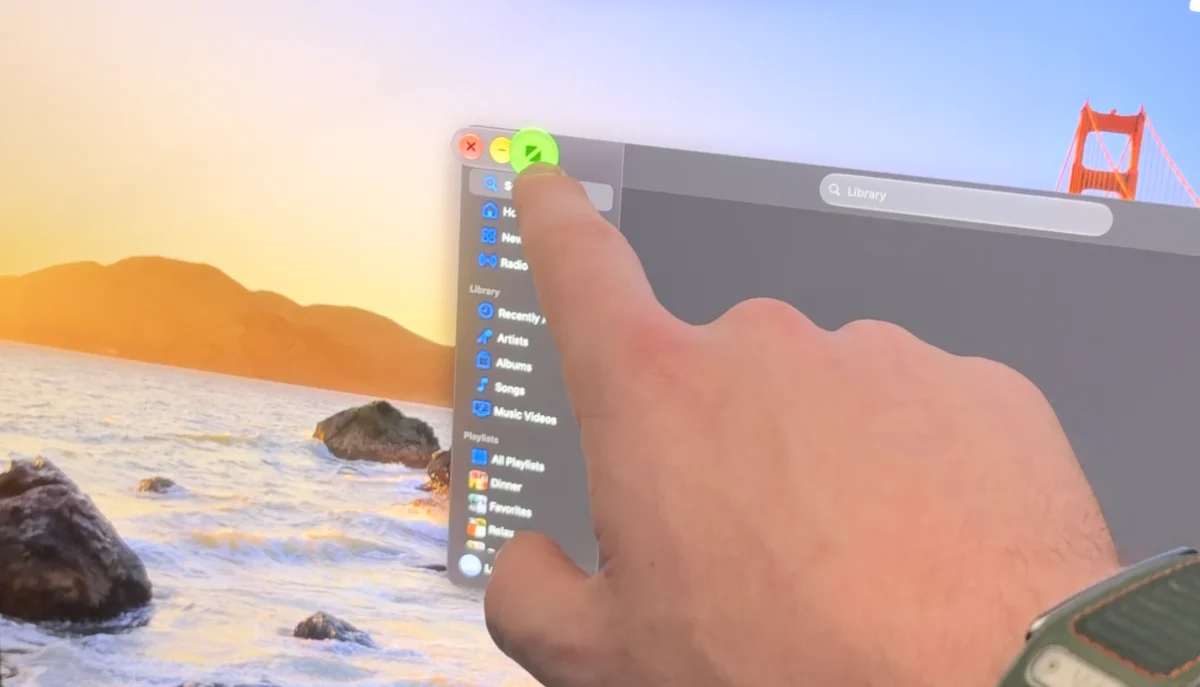
On other Mac devices, touching the window buttons does nothing. However, on the MacBook Pro OLED version, the red, yellow, and green traffic light buttons in the upper-left corner of the macOS window structure change size when finger contact is detected. The enlargement of the buttons makes targeting easier during finger selections.
Context menus in the menu bar were also adapted for touch use. Items within the menu enlarge with intervals suitable for touch. In optimized applications, even if the buttons do not change visually, touch detection areas in the background were expanded.

Multi-Finger Gestures on Screen and Dynamic Island
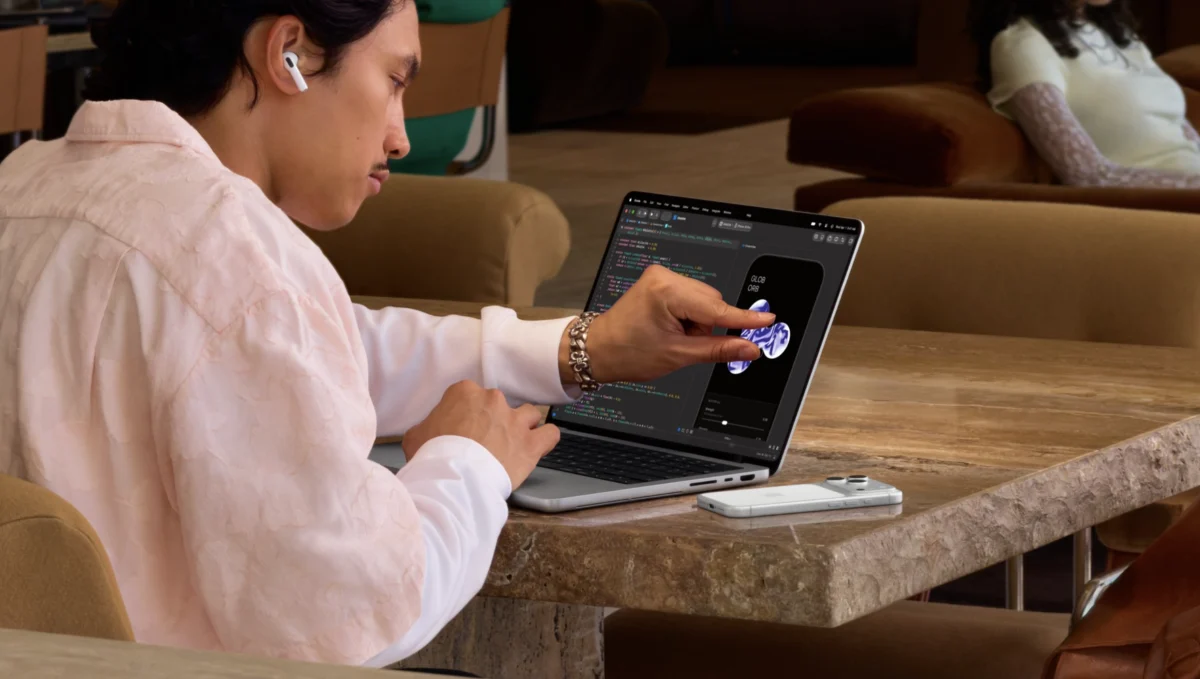
Multi-touch commands applied by users on the trackpad were transferred directly to the screen. Desktop and application windows can be managed with finger gestures.
| Gesture | Function |
|---|---|
| Two-finger pinch | Zooming in on content |
| Single-finger swipe | Navigating web pages |
| Three-finger swipe up | Opening Mission Control view |
| Three-finger swipe sideways | Switching between desktop spaces |
The access path to the search function Spotlight was also updated. Users can open the Spotlight search bar through the Dynamic Island area. This layout shows parallelism with the operating layout on iPhone models running iOS 27.
iOS Simulator for Developers and General macOS Updates

Software developers can control the iOS simulator in macOS 27 Golden Gate directly using their fingers on the touchscreen. Testing can now be performed directly on the display panel instead of touch simulations previously done via the trackpad.
The macOS 27 update includes two shared changes that also apply to non-touch Mac computers:
- A pull-to-refresh feature was added to the Safari browser.
- Spacing between items in the menu bar was widened across all devices.
Apple officials stated that touch optimizations on the Mac will continue. The next software additions to the system are expected to be shared at the next WWDC event.
This article was translated from Turkish. Read the original article in Turkish.