TechTurco WhatsApp ChannelOne-way channel: your number stays private
News
Affects millions of iPhone users: Now available on vehicle screens
Google has completed the Gemini and CarPlay integration it has been testing for some time. iPhone users can now open Gemini directly from the screen.
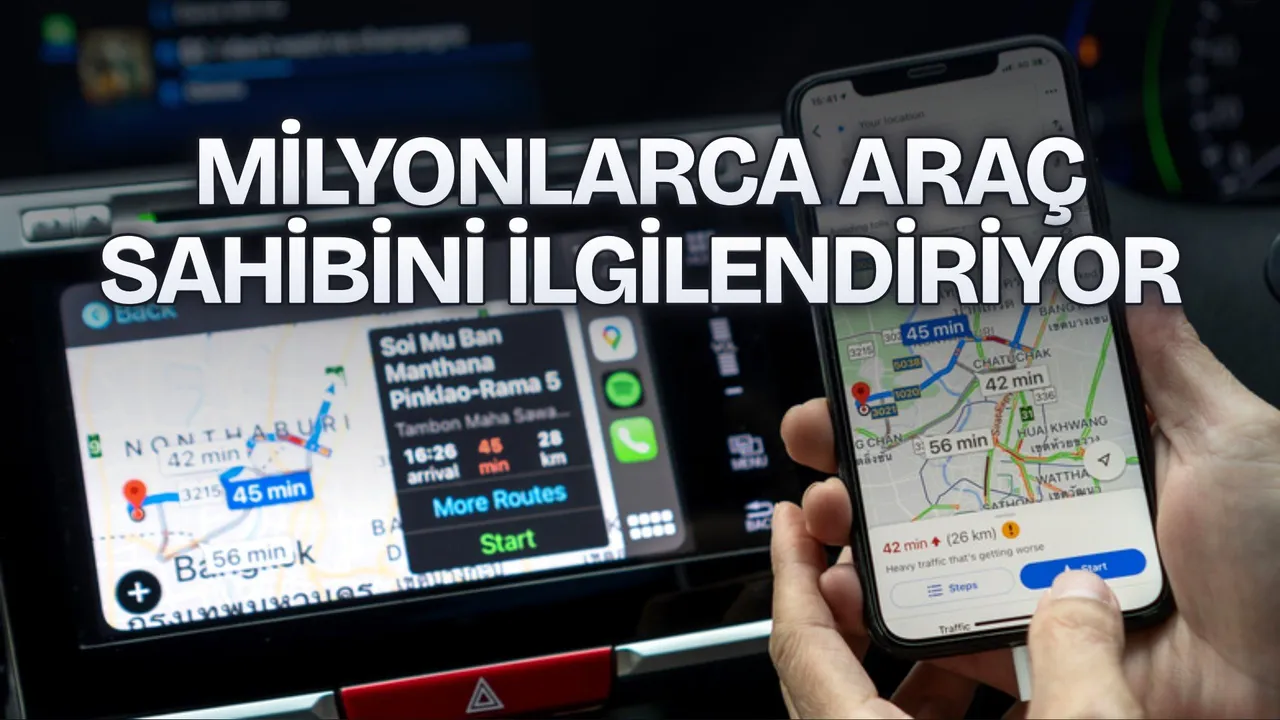
Previously on the CarPlay platform, the Gemini assistant could only be accessed through the Google Maps app. With the new update, users can launch the assistant directly by tapping the Gemini icon on their vehicle's screen.
According to Google's official announcement, drivers can now open their Gemini chats from their iPhone in the car and pick up where they left off. Starting a chat from scratch is also possible. At the same time, in-car conversations sync with the Gemini app on the iPhone and are stored in chat history.
Use cases and system requirements for drivers
Google stated that drivers can use Gemini during commutes to prepare for meetings, listen to emails, receive a Daily Brief, and get local place recommendations for their area.
Reklam
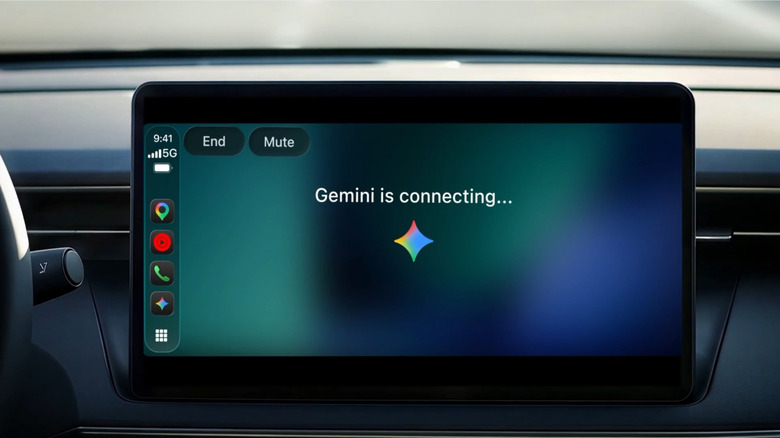
There are three basic requirements for the app to run on Apple CarPlay:
- Having the latest version of the Gemini app installed on the iPhone,
- Enabling the relevant microphone permissions,
- Having used the Gemini Live feature at least once on the iPhone.
Follows Android Auto and Google built-in integrations
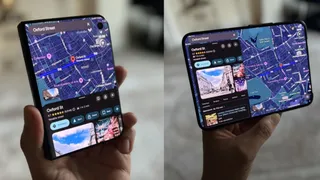
The arrival of the Gemini app on CarPlay comes after Google recently rolled out the Personal Assistance feature to Android Auto. This feature on Android Auto can pull data from other Google apps to provide more personalized responses. The company also stated that it brought the Personal Intelligence feature to vehicles with Google built-in.
Be the first to know
Join our channel and get key developments straight on your phone.
TechTurco Telegram ChannelMute or leave any time
Reklam
This article was translated from Turkish. Read the original article in Turkish.
More in News