TechTurco WhatsApp ChannelOne-way channel: your number stays private
Samsung
How to restore the missing app drawer button in Samsung One UI
Samsung's new One UI updates introduced several changes to the home screen. We explain a simple method to restore the app drawer button.
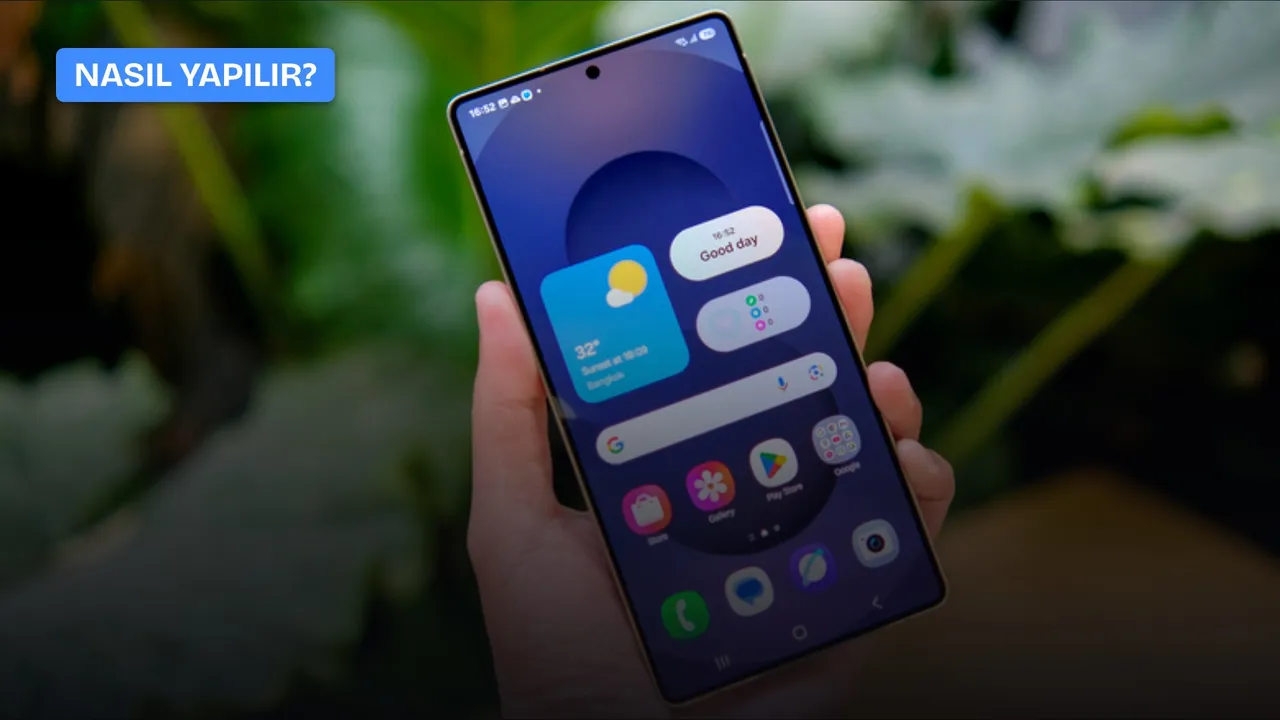
Every major operating system update for smartphones can introduce numerous changes to the home screen or settings. New versions of the One UI update can also include changes that may cause confusion on the home screen.
The Android operating system gathers applications inside a separate app drawer instead of crowding the home screen with hundreds of icons. In modern Android versions and Samsung's One UI interface, this menu is accessed by swiping up on the home screen. Samsung began hiding the "all apps" button on the home screen, which it offered by default in previous years, with recent One UI updates. Although this button is no longer visible directly in the interface, it can be re-enabled through settings.
How to add the apps button to the Galaxy home screen?
Users who prefer to access the application list by tapping an icon directly instead of using a swipe gesture can make this shortcut visible again through the phone's settings. To re-enable the button, follow these steps:
Reklam
- Long press an empty area on the home screen or pinch inward with two fingers on the display.
- Tap the Settings option with the gear icon located at the bottom right of the menu that appears.
- Scroll down on the page that opens, locate the "Show Apps screen button on Home screen" option, and turn it on.
Once this process is complete, returning to the phone's home screen shows the "all apps" button at the far right of the favorite apps dock at the bottom.

Enabling the apps button introduces a concrete usability difference. The button occupies as much space as an independent app icon in the fixed dock area at the bottom of the screen. Users who make this choice give up a space they could otherwise use to add an application to the bottom dock.
Tech giant Samsung continues to retain options for legacy user habits in its system.
Reklam
Be the first to know
Join our channel and get key developments straight on your phone.
TechTurco Telegram ChannelMute or leave any time

The Korean company remains the last major manufacturer to offer the three-button navigation bar, used since the Android 3.0 Honeycomb era, by default, even though Google prioritized gesture-based navigation with Android 9.0 Pie in 2018. Users who prefer gesture navigation can change this setting in the settings section.
Reklam
This article was translated from Turkish. Read the original article in Turkish.
More in Samsung