TechTurco WhatsApp ChannelOne-way channel: your number stays private
Samsung
Why Do Samsung Galaxy Phones Slow Down? 4 Mistakes That Reduce Performance
Samsung phones, like other smartphones, can experience slowdowns and freezing issues. The problems behind interface lag and the factors reducing performance are outlined.

Contents
The performance of any smartphone can degrade over time depending on usage factors. Stutters on Galaxy devices stem from software choices as much as hardware limitations. RAM Plus overhead, full storage space, and heating issues slow phones down.
Delayed loading of the interface, images, and text while checking notifications or launching an app is a common issue on Samsung Galaxy smartphones. While the problem might initially seem confined to a single app, system-wide latency points to communication bottlenecks between hardware and software. Hardware constraints and One UI optimizations serve as the primary factors behind this condition.
Hidden factors slowing down Samsung phones
Four distinct technical reasons drive the performance loss in Samsung models, which hold high sales volumes in the smartphone market. Understanding these elements makes it possible to keep device performance under control and manage it with appropriate steps.
Reklam
The processor load created by virtual memory and RAM Plus
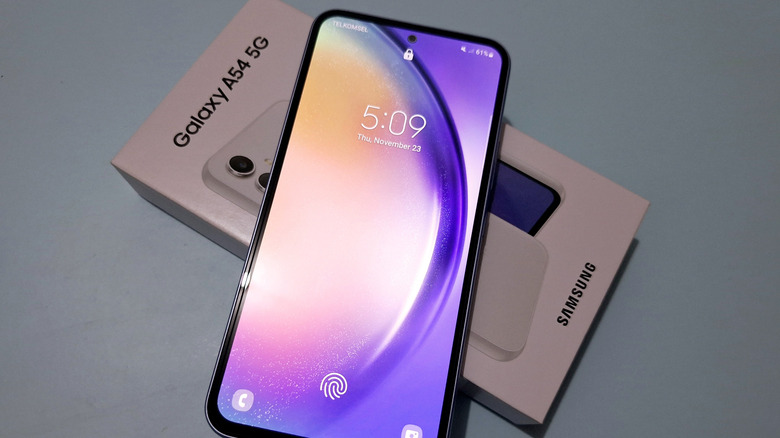
Physical memory capacity directly determines system responsiveness in smartphones. While modern standards suggest at least 8 GB of RAM, the ideal performance tier sits at 12 GB. Samsung continues to offer entry-level devices with 4 GB of RAM, such as the Galaxy A17 5G, introduced at the end of 2025 and launched a month later with a $200 price tag.

The company uses the RAM Plus feature, which converts part of the internal storage into virtual memory, to compensate for low physical memory. Under this feature, 4 GB of physical memory can act as if it reaches 6 GB or 8 GB depending on the selected setting. Samsung engages the zRAM mechanism to compress data and fit it into the allocated space. This allows applications to stay open in the background for longer periods.
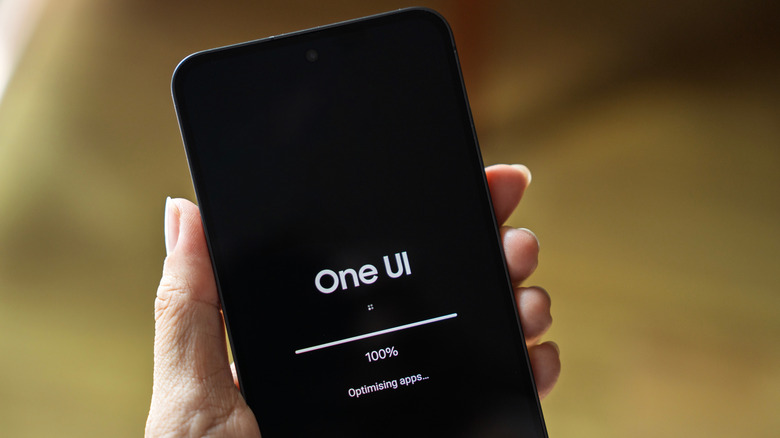
However, this operating mechanism creates an additional workload on the processor. Real-time data compression during zRAM usage causes bottlenecks, particularly on weaker chipsets in entry-level devices. The process accelerates battery consumption and can lead to interface freezing. Turning off RAM Plus is recommended for users with sufficient physical memory.
Reklam
Be the first to know
Join our channel and get key developments straight on your phone.
TechTurco Telegram ChannelMute or leave any time

Neglecting software updates and compatibility issues
When operating system updates are installed, background files, applications, and system settings must be re-indexed. While this optimization process causes temporary slowdowns at first, skipping updates entirely leads to long-term performance losses.
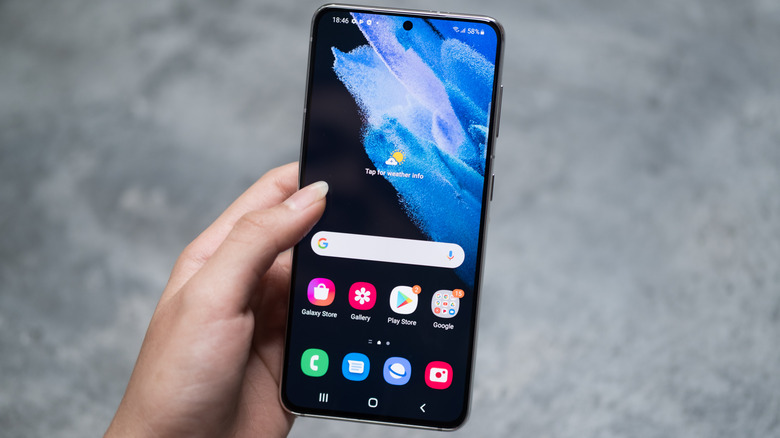
Devices that are not updated lack security patches, bug fixes, and compatibility with newer applications. Modern applications requiring up-to-date libraries must run through compatibility layers or additional APIs on older operating systems. This places an extra workload on the processor and increases overall system latency.
Full internal storage and the garbage collection mechanism
Smartphones need free space in internal storage to handle temporary files, app caches, and virtual memory smoothly. The removal of the microSD card slot from flagship Galaxy models since the Galaxy S21 series makes internal storage management more critical.
Reklam
When mobile flash storage modules approach full capacity, write operations become more difficult. The memory controller initiates the garbage collection process, which includes cleaning old blocks, moving valid pages to other locations, and erasing blocks to free up space for new data. This operation delays read and write requests, causing noticeable slowdowns on the phone. To avoid performance bottlenecks, keeping at least 10 to 15 percent of internal storage free is recommended. While clearing the cache provides temporary relief, it does not serve as a long-term storage solution.
Overheating and the impact of thermal throttling
Electrochemical reactions during battery charge and discharge cycles naturally generate heat. When combined with heavy processor loads, device temperatures can hit critical thresholds. In Samsung phones, vapor chambers, graphite layers, and thermally conductive materials work to dissipate heat.

When cooling mechanisms prove insufficient under heavy workloads, the device resorts to thermal throttling to protect the hardware. The operating frequencies of the processor (CPU) and graphics processing unit (GPU) are automatically reduced. Implemented for safety reasons, this throttling directly causes a drop in application and gaming performance. In cases of excessive temperature, the system can display warning messages.
Reklam
Meanwhile, Samsung is focusing on resolving several key issues, primarily memory consumption, with the One UI 9.5 update scheduled for release in the coming months. The latest update currently released is One UI 9.
Are you satisfied with your phone's performance? Share your thoughts in the comments.
Reklam
This article was translated from Turkish. Read the original article in Turkish.
More in Samsung