TechTurco WhatsApp ChannelOne-way channel: your number stays private
Samsung
World's top-selling Android smartphone maker announces Google Photos decision for Gallery app
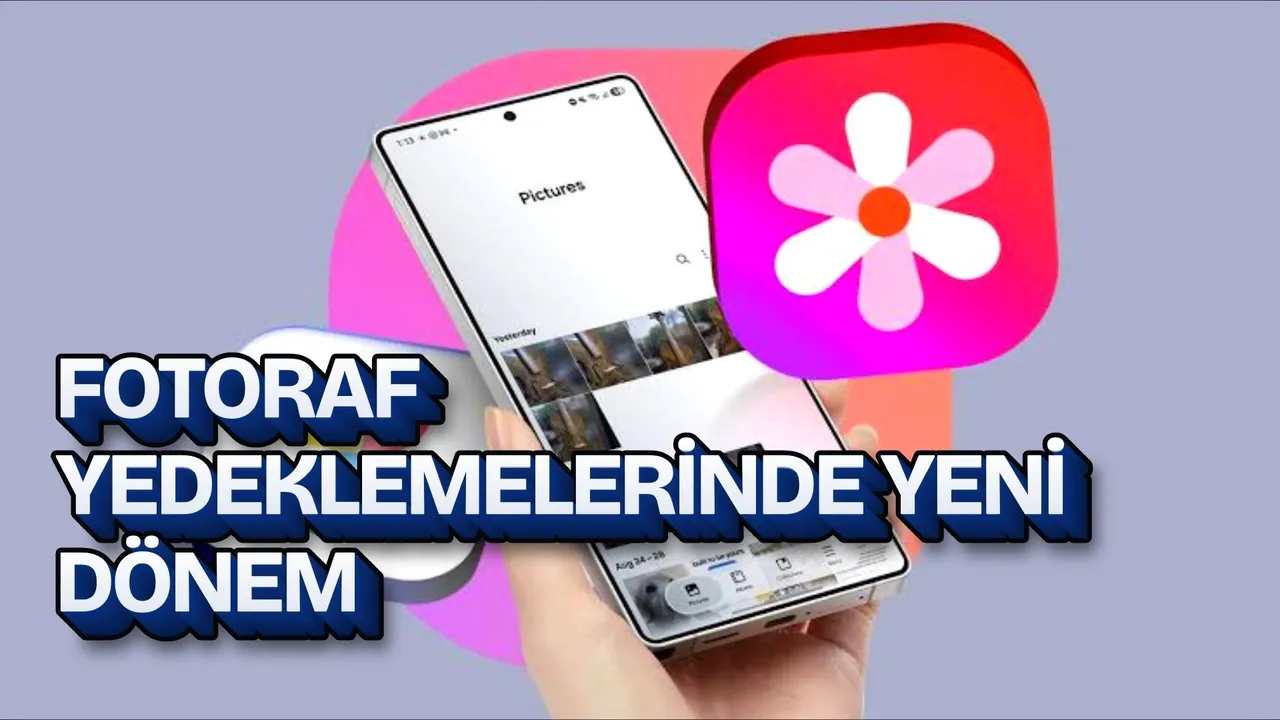
Samsung, one of the world's top phone brands, announced a Google Photos update for Galaxy users. The Samsung Gallery and Google Photos integration introduced with One UI 9.0 is now official.
Contents
Having ended its Microsoft OneDrive integration, Samsung introduced an integration with One UI 9 that many users have requested. Google Photos backup can now also be performed in Samsung's native Gallery app.
Available on Galaxy devices with the One UI 9.0 update, the feature allows users to free up device storage by transferring photos to the cloud.
Samsung announced that Google Photos synchronization will replace the Microsoft OneDrive integration in the Gallery app. The feature, which began rolling out a few weeks ago on select Galaxy phones and tablets running One UI 9.0, became official with the company's announcement.
Reklam
Samsung Gallery syncs directly with Google Photos
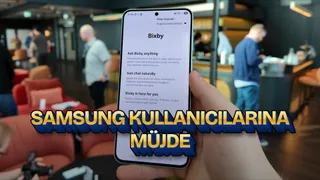
With the new interface update, the Samsung Gallery app syncs photos and videos on supported Galaxy phones and tablets without requiring an external cloud account. To activate the feature, signing into both Samsung and Google accounts on Galaxy devices is sufficient.
The rollout initially began with select Galaxy models running the One UI 9.0 operating system. The company stated that the feature will be provided gradually to other models based on regional eligibility and device criteria.
How is device storage space freed up?
After photos and videos are backed up to Google Photos, the "Free up space" option becomes active in the system. This function helps free up space by deleting the original files of backed-up content from the device's internal storage.
Reklam
Be the first to know
Join our channel and get key developments straight on your phone.
TechTurco Telegram ChannelMute or leave any time
Even if original files are deleted, users continue to see thumbnails of the content within Samsung Gallery. When access to the full-resolution version of a photo or video is requested, the file is downloaded back to the device.
The integration does not provide extra storage space. The backup process uses the storage quota shared among Gmail, Google Drive, and Google Photos in the user's existing Google account.
Cross-device access and historical photos
Synchronized media files can be accessed across different Galaxy devices. For example, a photo or video taken on a Galaxy phone appears directly as a preview in the Gallery app of a Galaxy tablet linked to the same account.
Reklam
A key limitation in the system concerns historical data. Only files synchronized via Samsung Gallery after activating the feature appear in the app. Older photos and videos already saved in the Google Photos cloud are not automatically imported into Samsung Gallery.
Samsung has also initiated work on its next major update, One UI 9.5. The first beta releases of the update are expected to start in December.
Reklam
This article was translated from Turkish. Read the original article in Turkish.
More in Samsung