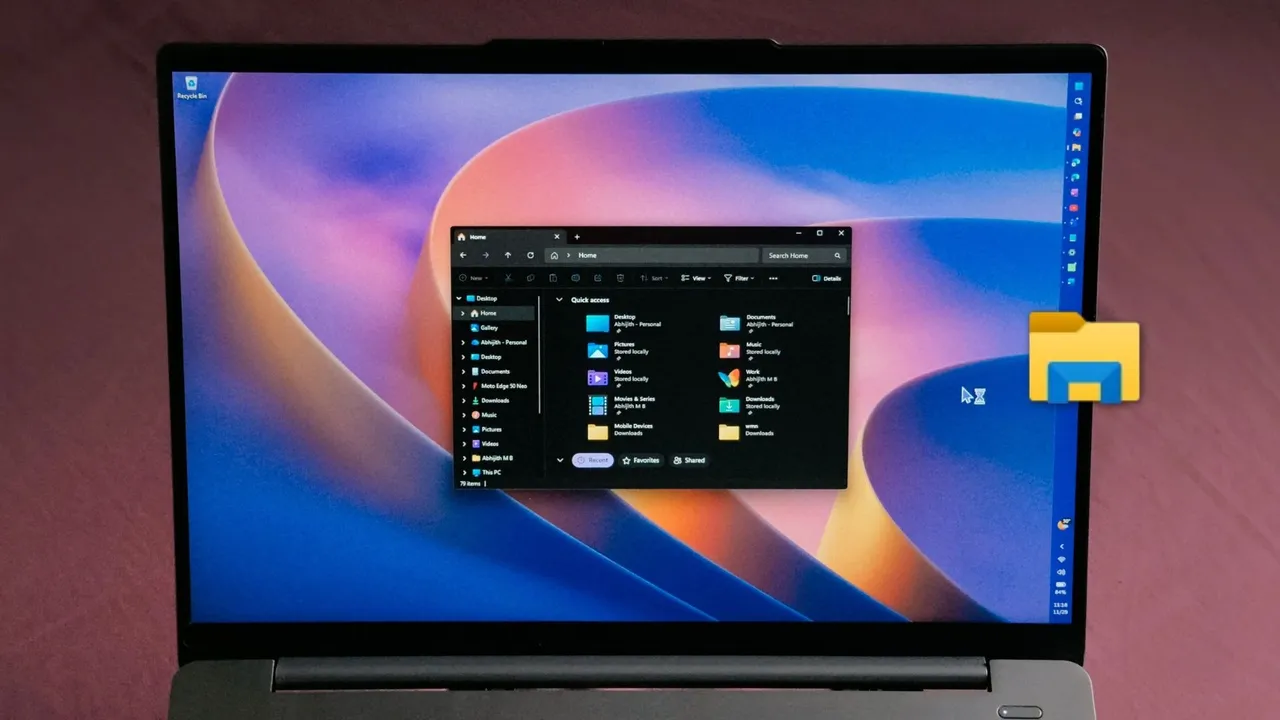
For years, Windows 11 users, especially on low-spec PCs, have reported File Explorer stuttering and freezing. Microsoft has now explained the cause of the bug while focusing on Windows 11's problems.
Microsoft has officially explained why File Explorer, a source of frequent stuttering and freezing for Windows 11 users, behaves the way it does. Speaking at a session during the Microsoft Ignite 2026 conference, officials confirmed that the app's user interface (UI) thread was carrying more work than it should.
Slow network requests were locking it up
In the session led by Microsoft Core Operating System lead Ian LeGrow and Windows Commercial Partnerships lead Robin Seiler, they said the main thread, responsible for drawing the interface and responding to clicks, was getting locked up by slow network requests. LeGrow said that network queries checking whether OneDrive files are available, along with some disk checks, were running directly on the UI thread, and that this was causing window freezes.
Network and disk checks moved to the background
LeGrow said the team had carried out a cleanup to fix the freezes and delays, moving operations that require network and disk checks onto a separate background thread. According to the company, this change removed roughly 80% of the factors that caused File Explorer to hang.
| Feature | Value |
|---|---|
| Memory freed | About 900 MB |
| Right-click menu rollout | Gradual, starting with the October update KB5127936 |
The company said these improvements increased the launch speed of the Start menu, File Explorer, Task Manager, Quick Settings and Settings by about 20% on PCs with 8 GB of memory. It also said about 900 MB of memory that Defender, OneDrive and Microsoft 365 apps were quietly consuming in the background has been freed, and that the Microsoft 365 Files helper app will be shut down as of December 16.
Right-click menu sped up
One of the most noticeable improvements is the right-click context menu. The older menu got stuck on "loading" while trying to fetch data from the network, and it expanded under the cursor, leading to misclicks. That menu structure has been updated. The new right-click menu began rolling out gradually with the October update KB5127936.

To address the File Explorer slowness that has persisted since Windows 11's launch, the April 2025 update KB5055627 sped up the Home tab, and the June and July 2026 updates improved address bar performance and optimized large file deletion.
EDİTÖR NOTU: Kaynakta talimat benzeri metin vardı.