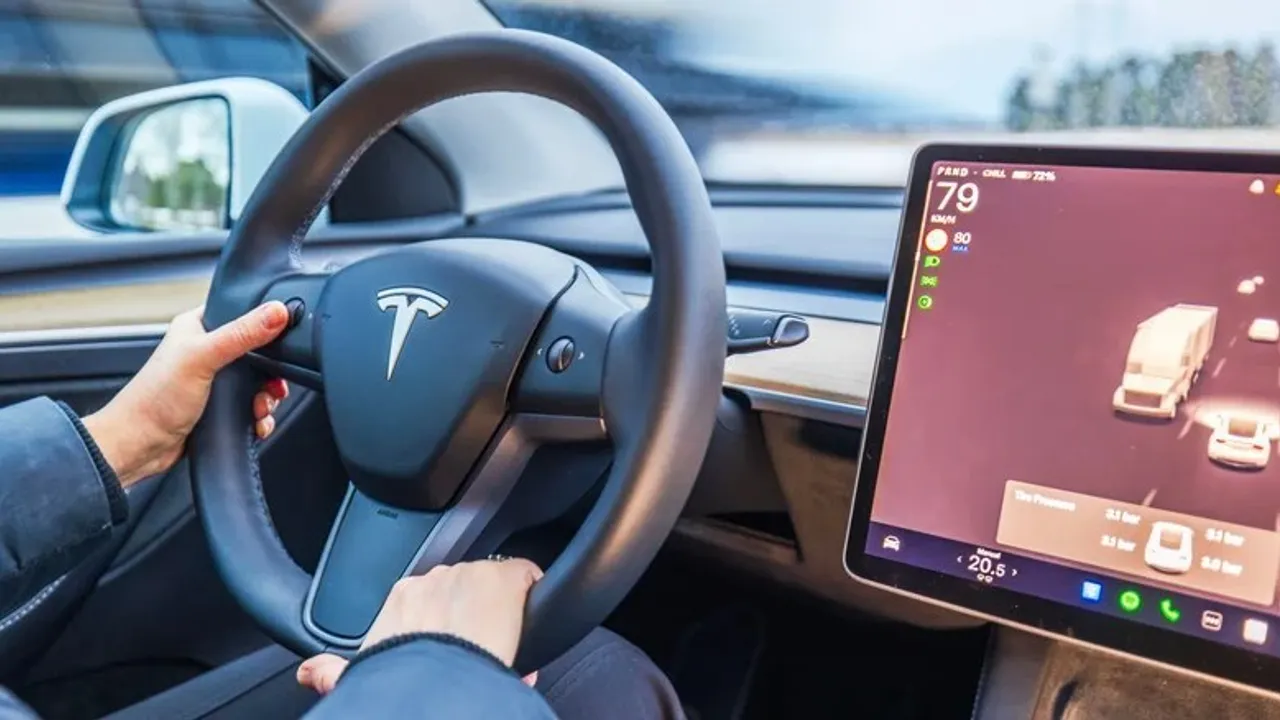
Unlike other cars, Tesla offers drivers a range of settings. If you're going to set off in a Tesla model, there are a few tips to keep in mind. From planning routes around Supercharger stations to tracking battery status, these settings place much of the logistical burden of the journey on the vehicle.
Trip Planner and Arrival Energy
The first setting is the Trip Planner. Once the driver enters a destination, the vehicle determines a route that provides access to Supercharger stations along the way. When calculating the route, elevation changes, temperature, traffic, and the locations of charging stations are also taken into account.
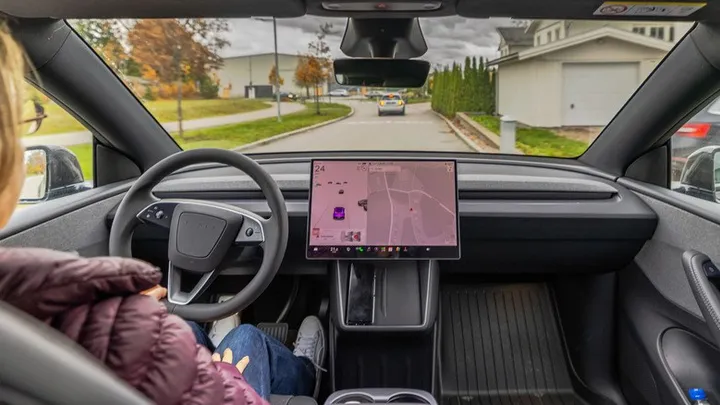
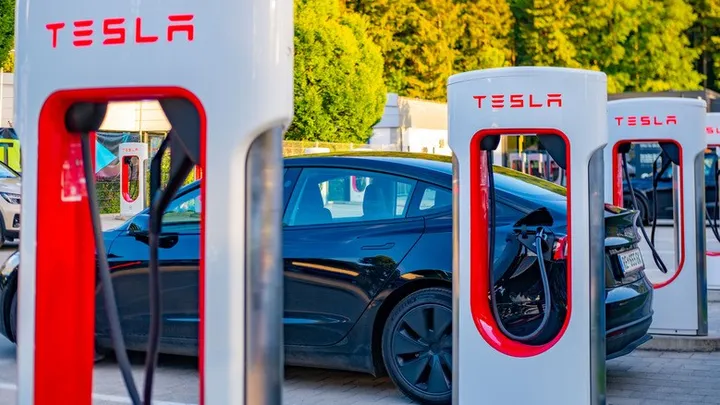
For stopping points without a charging station, such as a campsite or an overnight stay, the Set Arrival Energy option can be used. This setting determines the desired charge level on arrival. According to the source, when the Trip Planner is used, the vehicle detects that it is approaching a Supercharger and preheats the battery for fast charging.
Energy Display
The second setting concerns how the remaining charge is displayed. Showing distance instead of battery percentage makes it easier to tell whether the next major city or Supercharger station can be reached. The source notes that Tesla's range figures are based on EPA test data and may vary depending on driving habits.
Driver Profiles
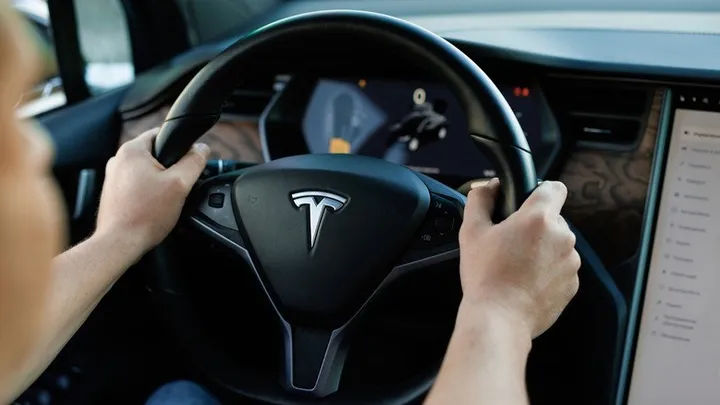
The third setting is creating multiple driver profiles. Profiles save seat, steering wheel, and mirror positions, as well as navigation, temperature, and lighting settings and Autopilot preferences. According to the source, since drivers often change over long trips, this helps prevent drowsy driving and keeps passengers comfortable.
Online Route Planning
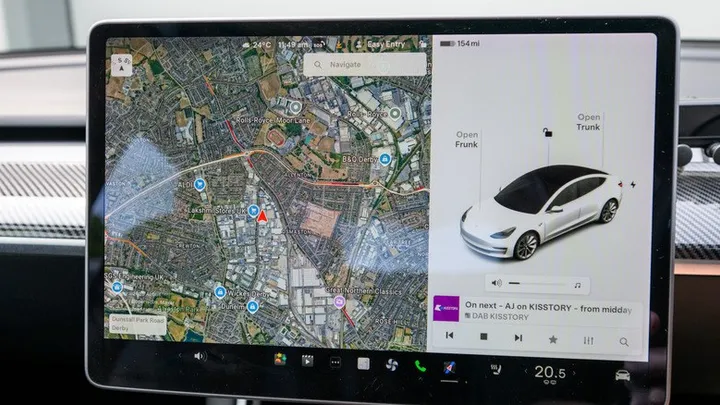
The final setting is Online Route Planning. The vehicle can detect traffic conditions and recalculate the route. The source states that this feature may be useful in large cities and in areas where traffic is unpredictable; however, it notes that detours around a city can lengthen travel time. For this reason, it is recommended to turn it off on open highways and turn it on in areas where traffic may affect the journey time.
EDİTÖR NOTU: Kaynakta talimat benzeri metin vardı.