Tool Untouched for Years in Windows 11 Is Changing: Legacy Windows Switch to WinUI Architecture
Microsoft has recently improved Windows 11 significantly in technical terms. Now, another surprise update is on the way. Taking action to fix design inconsistencies, the software giant will delight users.
Microsoft is bringing unexpected changes this year. While Windows 11's ongoing issues are being resolved, the company is going further than anticipated. Having addressed RAM consumption with 26H2, the software giant is now preparing a new update for design inconsistencies.
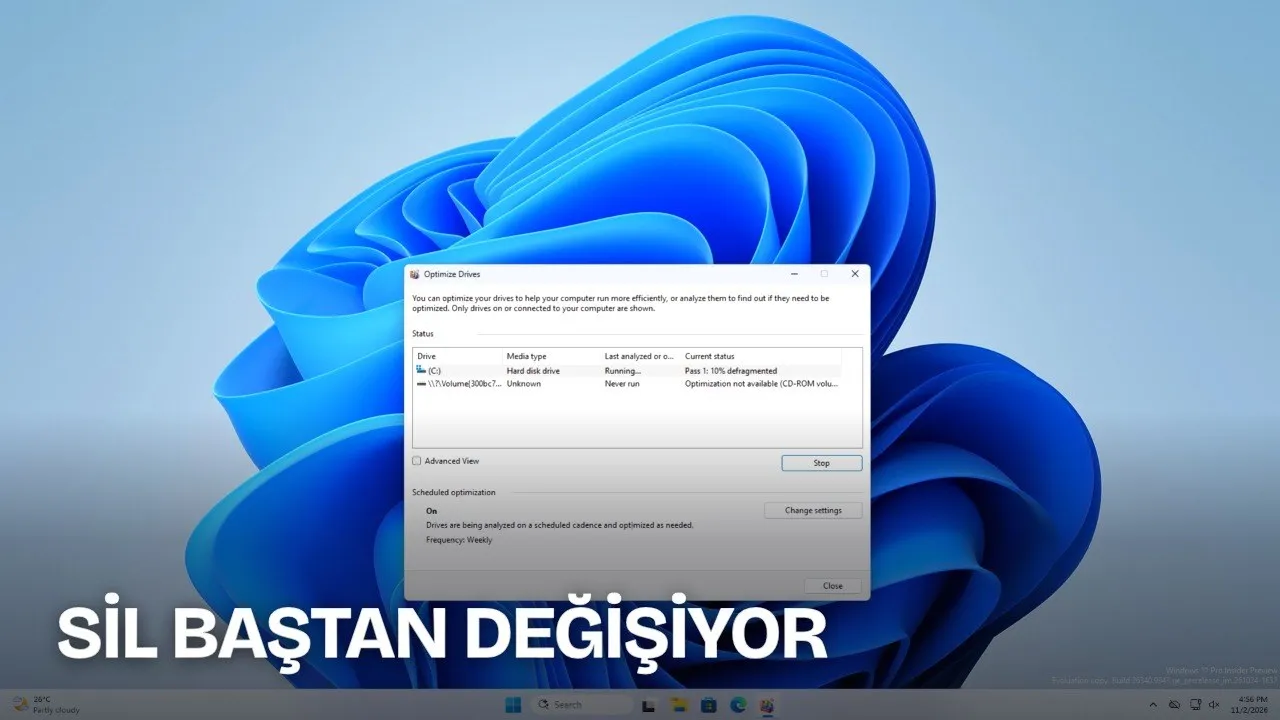
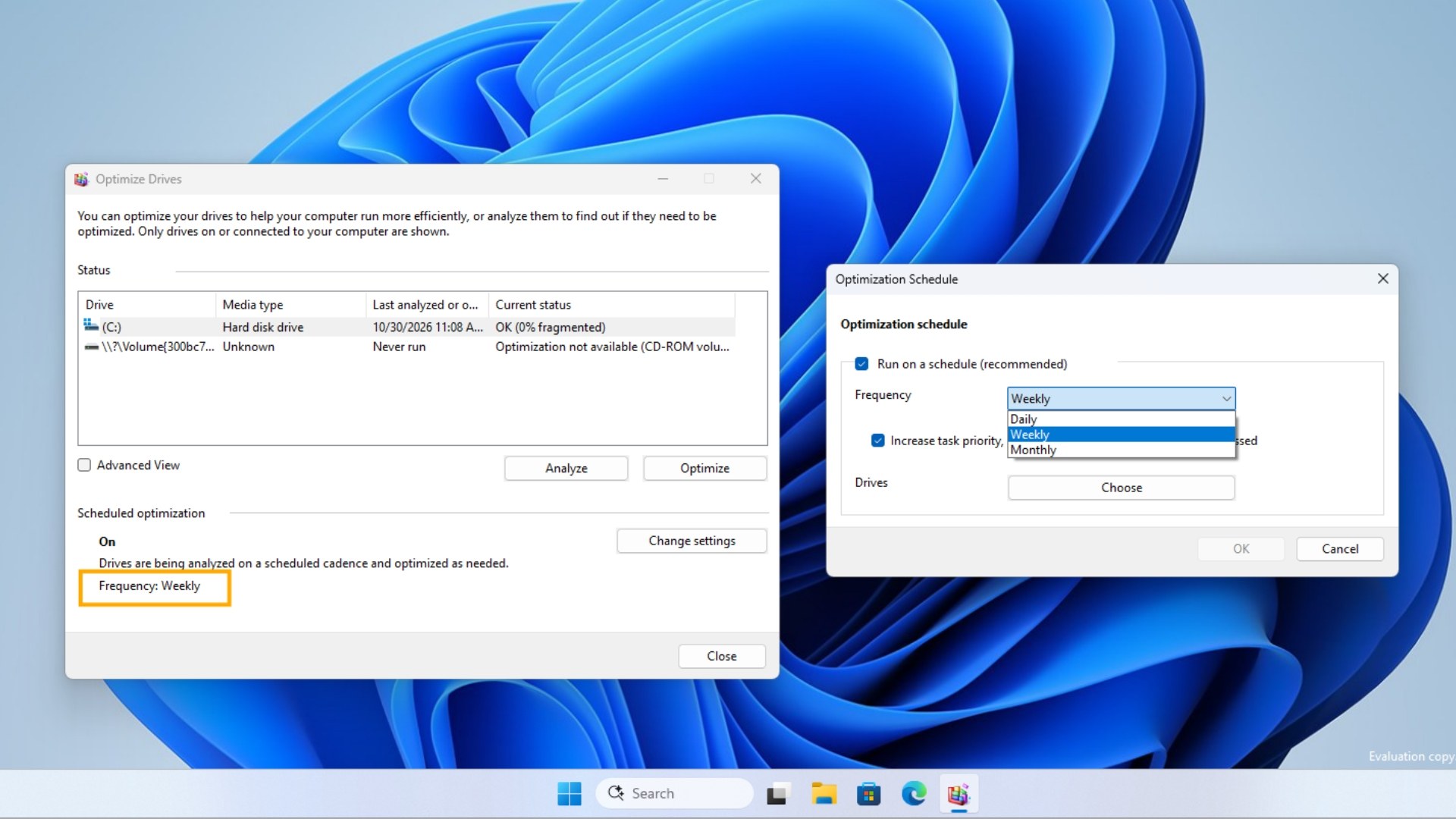
Microsoft is extending its interface refresh efforts aimed at eliminating visual inconsistencies in Windows 11 to the operating system's oldest components. Recent information indicates that the company is rebuilding the Disk Defragmenter tool, which dates back to Windows Vista and earlier, from scratch using the WinUI framework.
Another Windows 11 issue is being resolved
The constant need for users to switch between the modern Settings menu and decades-old Win32 windows was among the most frequent complaints regarding Windows 11. This dual structure, extending from the File Explorer properties window to the classic Run dialog box, is being migrated to a new architecture system-wide.
WinUI 3 Era in Legacy System Tools
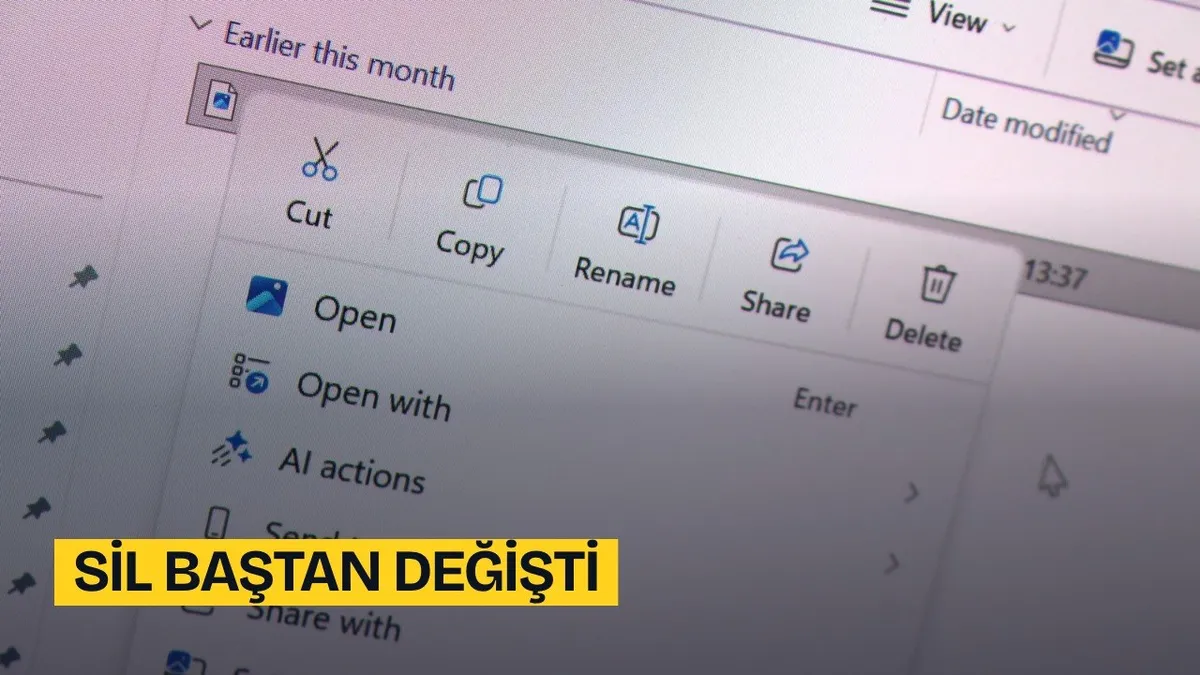
Microsoft design team lead March Rogers previously stated that the new File Explorer properties window is not merely a simple visual theme, but was rebuilt from the ground up using WinUI 3. Rather than simply adding dark mode to legacy windows, the company aims to gradually remove legacy code from the operating system.
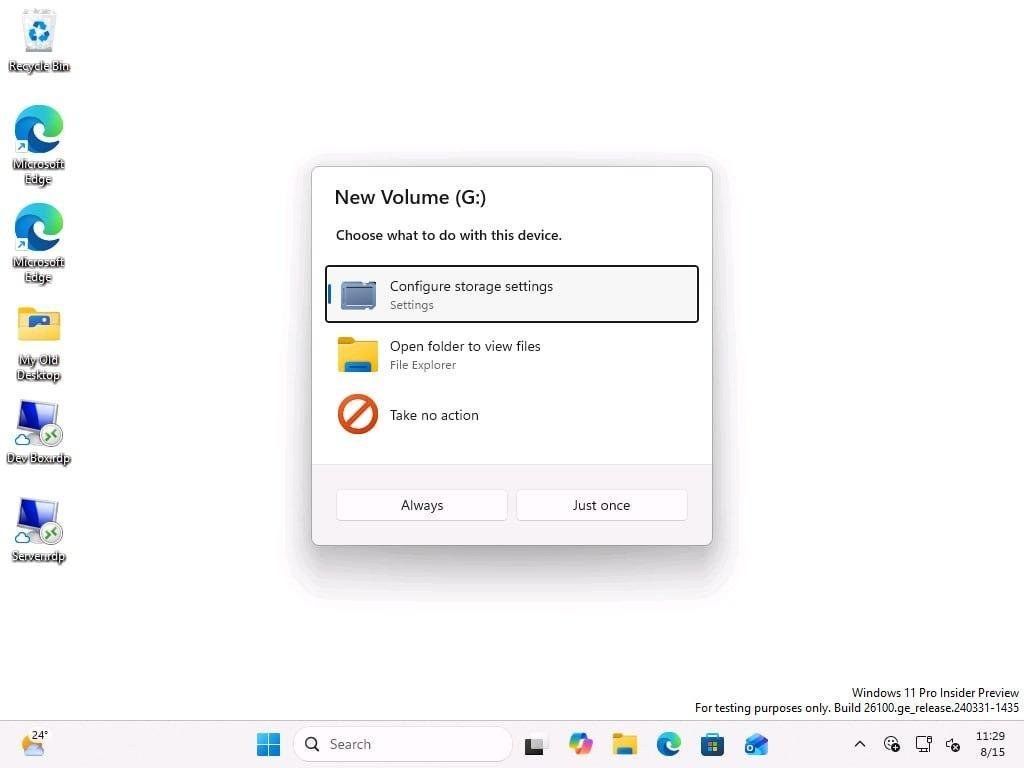
Newly surfaced findings indicate that this plan is also being applied to the Disk Defragmenter tool. The tool, whose visual language remained unchanged for a long time, is being equipped with interface elements matching Windows 11 design standards. This step indicates that the transition from traditional Win32 architecture to the WinUI framework is ongoing.
Return from Web Technologies to Native Desktop Architecture
WinUI is defined by Microsoft as the native user interface framework for Windows. Maintaining the hardware acceleration capabilities of desktop software, this structure combines rounded window corners, Fluent Design animations, Acrylic and Mica materials, and built-in dark mode support.
Additionally, the company made transitions between Win32, WPF, UWP, and web-based technologies in past years. WebView2 technology, used in some built-in applications, caused high memory consumption and slow launch times because it integrated the browser infrastructure into the operating system. Following these performance losses, the company returned to a native-first development model and designated WinUI as its main direction.
At the Build 2026 developer event, Microsoft stated that WinUI would be the primary framework for modern Windows applications. The company also moved the WinUI development process to the GitHub platform, opening it to external contributions and feedback.
What Will Change in the User Interface?
With the renewal of the architecture, both the appearance and the operation of system tools are updated. The components transformed and planned within the scope of the work are listed as follows:
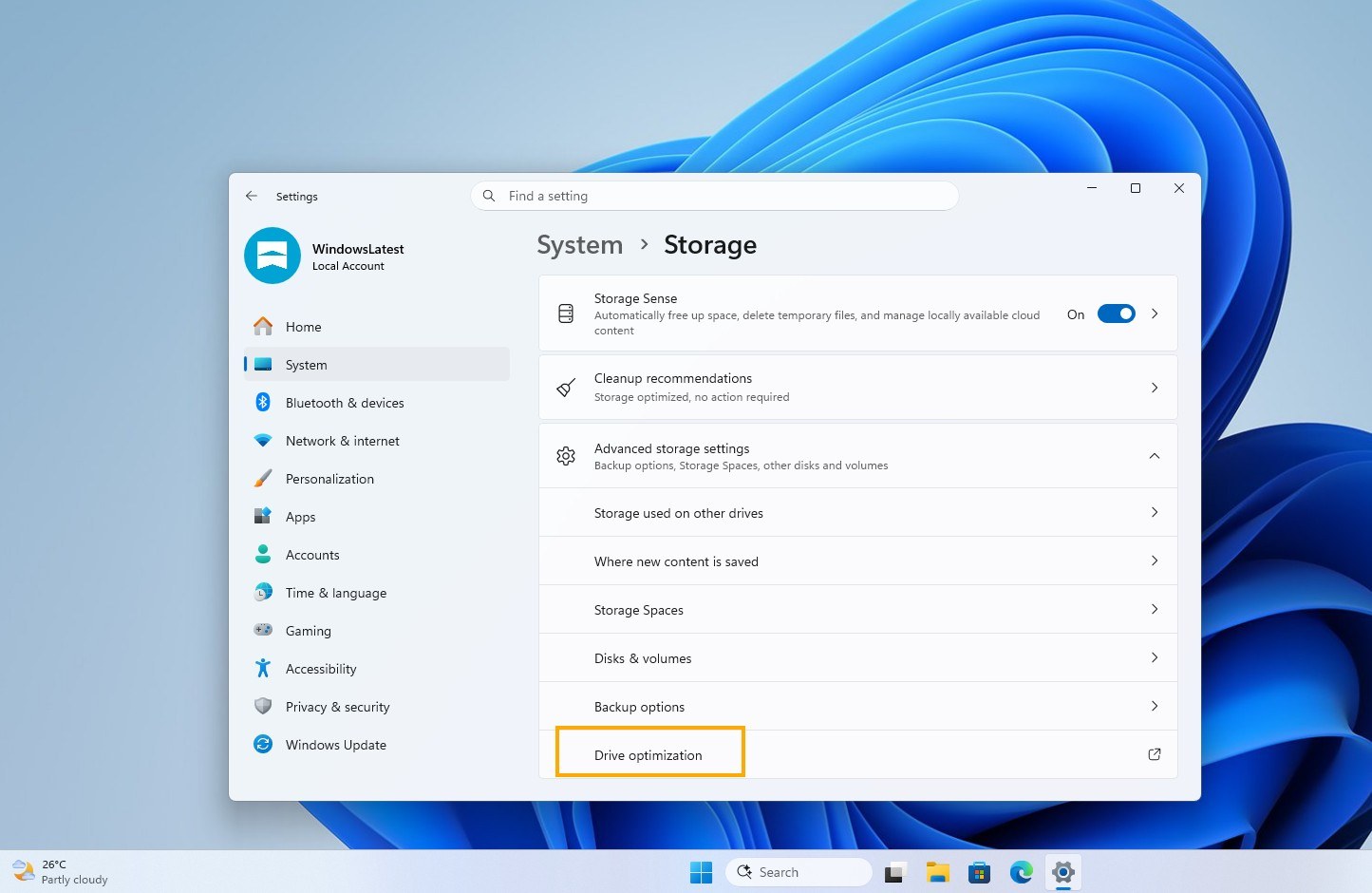
- Disk Defragmenter Tool: The Win32 window, which remained the same for years, receives Fluent Design elements and Mica background effects.
- File Explorer Properties Window: Rewritten on the WinUI 3 base, it was made compatible with modern themes.
- Run Dialog Box and Start Menu: They are integrated into the system using the WinUI architecture instead of legacy code.
- Performance Improvements: Memory consumption is balanced and hardware acceleration is activated because native code is used instead of web-based windows.
With the continuation of these transformation efforts, the goal is to reduce visual inconsistency within Windows 11 and make the WinUI framework the main system standard following Win32.
This article was translated from Turkish. Read the original article in Turkish.