TechTurco WhatsApp ChannelOne-way channel: your number stays private
Software
Windows feature that frustrated users removed after 31 years
Microsoft has started removing a feature that remained untouched for 31 years. A new settings dialog in Windows 11 preview builds shows that the option is no longer present.
Contents
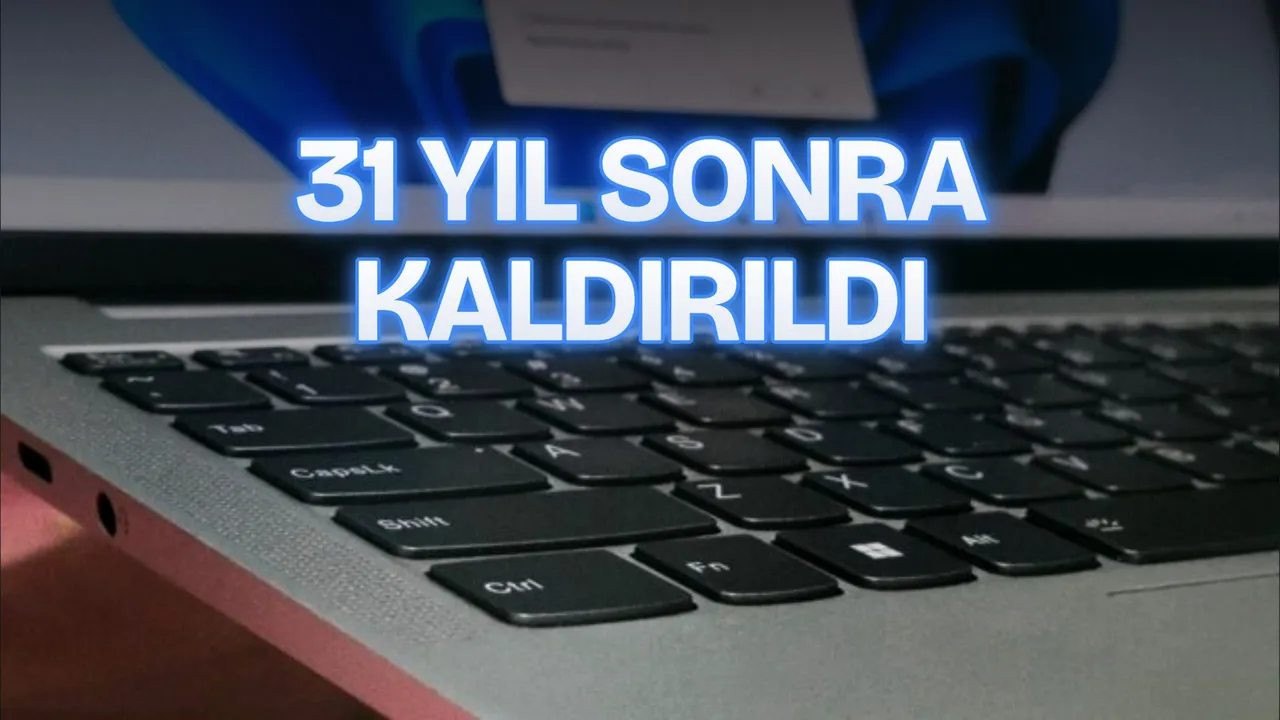
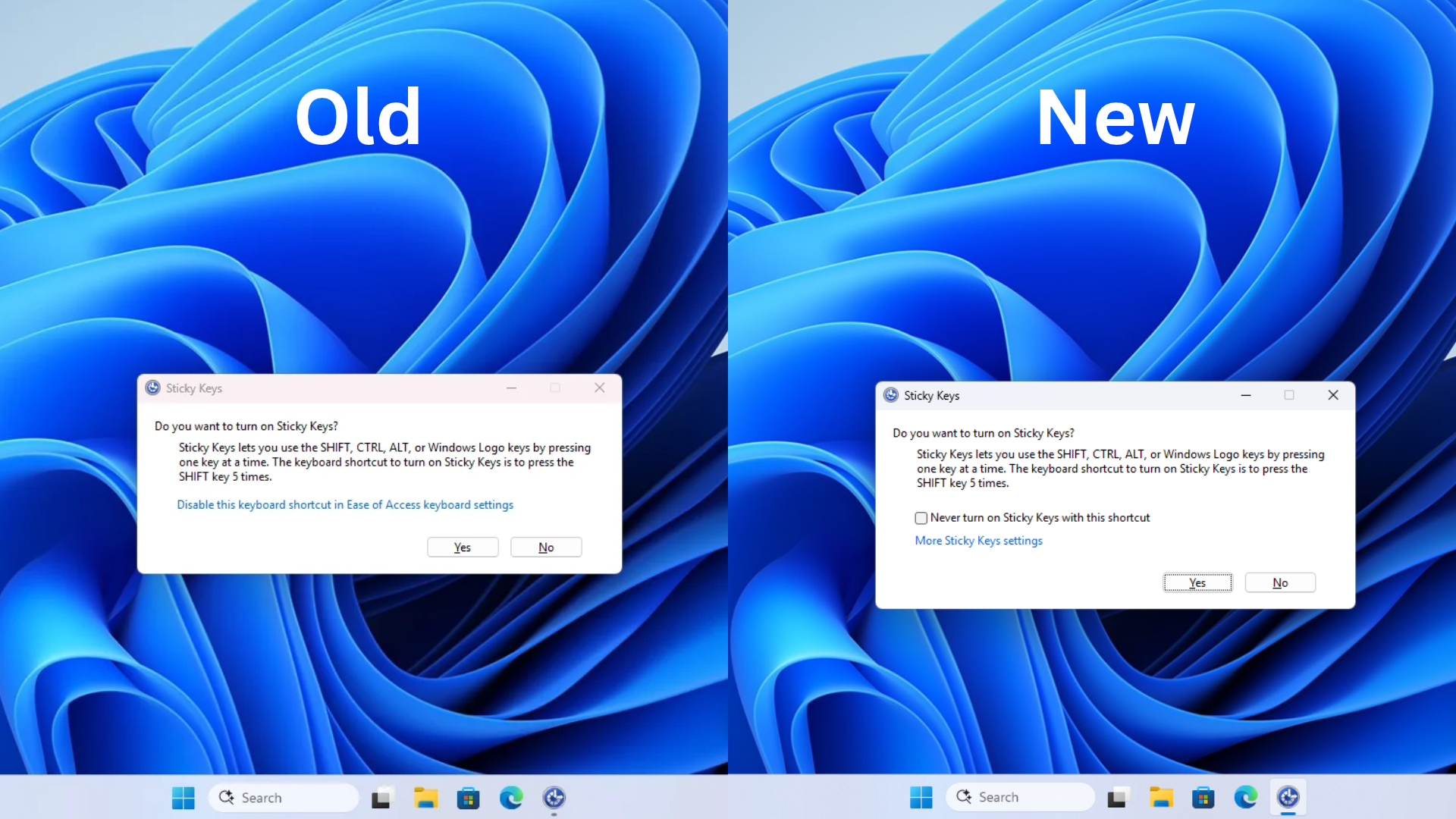
Microsoft is introducing an option to directly intervene in the Sticky Keys pop-up window, which Windows 11 users have accidentally triggered for years during gaming or rapid keyboard typing. The software maker added a "Never turn on Sticky Keys with this shortcut" checkbox to the confirmation dialog box that appears when the Shift key is pressed five times. A similar option was also added to the Filter Keys window.
31-year-old prompt will no longer appear
The change was spotted in Build 26340.9882 (Experimental) and Build 26320.9876 (Beta), which were released on November 6, 2026, and are based on Windows 11 version 26H2. Jen Gentleman from the Windows engineering team confirmed in a post on X that users will be able to permanently dismiss this warning.
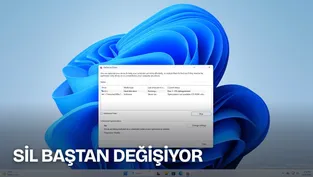
In the new system, when users press the Shift key five times, a checkbox appears right above the confirmation and cancel buttons in the Win32 dialog window. When this box is checked and "No" is clicked, the system does not display the warning dialog even if the shortcut is used again.
Reklam

| Accessibility Feature | Shortcut Triggering the Dialog |
|---|---|
| Sticky Keys | Pressing the Shift key 5 consecutive times |
| Filter Keys | Holding down the right Shift key for 8 seconds |
The feature could previously be disabled via Settings > Accessibility > Keyboard. The new build allows users to disable the shortcut directly when the prompt appears without navigating deep into the Settings menu. The feature has not been removed completely; users can re-enable it through the Accessibility menu.
Origins of the 31-year-old dialog trace back to Space Cadet Pinball
The history of the Sticky Keys prompt dates back to the development of Windows 95. Charles Oppermann, Microsoft's accessibility program manager at the time and the initial developer of the JAWS screen reader, stated that he wrote these dialog boxes in early 1995.
According to information shared by Oppermann, the children of Brad Silverberg, who led the Windows 95 project, repeatedly triggered Sticky Keys by accident while playing Space Cadet Pinball. The development team considered adding a direct disable option to the dialog box at the time, but decided against including the checkbox to raise awareness of Windows accessibility features. This change introduced in 2026 was first considered 31 years ago.
Reklam
Be the first to know
Join our channel and get key developments straight on your phone.
TechTurco Telegram ChannelMute or leave any time
Legacy Win32 interfaces are being modernized
Despite the newly added checkbox, the dialog window itself still retains the legacy Win32 design and lacks dark mode support. Marcus Ash, Corporate Vice President of Windows and Devices Design, stated that work continues to bring legacy Win32 windows and MMC applications to the WinUI framework.
Meanwhile, the Microsoft team is developing new tools to modernize legacy interfaces. The company's WinUI transition list also includes WinUI prototypes designed for the legacy Defragment and Optimize Drives tool (Defrag) and Registry Editor (Regedit).
Function of Accessibility Tools
Sticky Keys and Filter Keys are tools developed for users with mobility impairments:
Reklam
- Sticky Keys: Assists individuals typing with a single finger or a mouth stick. After pressing modifier keys such as Ctrl, Alt, or Shift, the key remains active, allowing key combinations (for example, Ctrl + C) to be executed sequentially.
- Filter Keys: Prevents erroneous data entry by ignoring brief or repeated keystrokes caused by hand tremors.
Headline evaluation: The headline combines the historical background of the story (Space Cadet Pinball / 31 years) with the new feature it introduces and contains no misleading phrasing.
Key point for Discover: The issue and its solution were clearly presented in the first two paragraphs of the introduction, maintaining a user-focused tone.
Reklam
This article was translated from Turkish. Read the original article in Turkish.
More in Software