TechTurco WhatsApp ChannelOne-way channel: your number stays private
Apple
Apple macOS 27.3 Golden Gate Beta 1 Released: Turkish Siri AI and Safari Features Coming
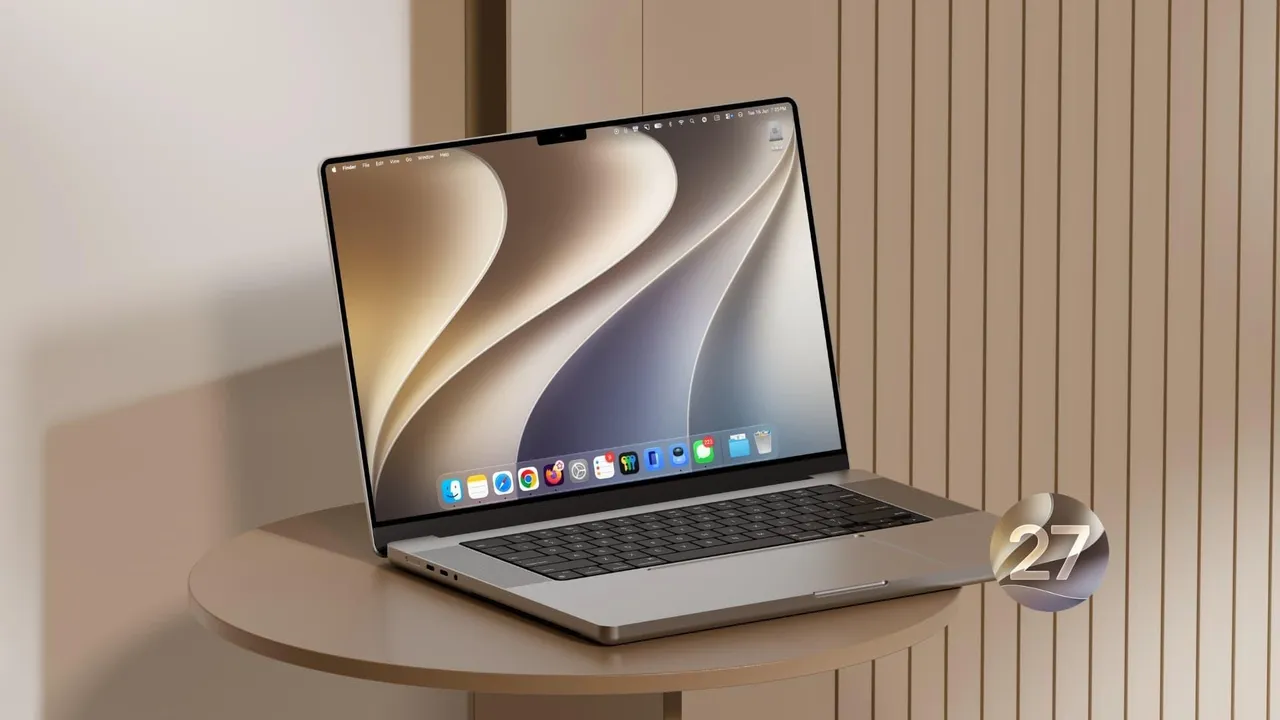
The macOS 27.3 beta 1 update, eagerly awaited by developers, has finally been released. Apple brings new features and adds Turkish language support to Siri.
Contents
Following the official release of macOS 27.2, Apple released the macOS 27.3 beta 1 update for developers. This update brings new features to Mac computers.
With the new operating system version, Apple is making broad interface changes in Safari and expanding the language coverage of its artificial intelligence (AI) features.
Following a busy schedule on the Mac side, Apple recently introduced the iMac with the M6 processor, the 14-inch MacBook Pro, and the MacBook Pro models with PROLED XDR displays reported to feature touch capabilities. The company also released security updates for macOS Tahoe 26.7.2 and macOS Sequoia 15.8.2. Its current focus is the new operating system beta.
Reklam

Turkish Language Support for Siri AI on the Way
Apple announced that it would add new language options to the Siri AI system by the end of the year. The macOS 27.3 beta process is reported to cover new languages, including Turkish, Traditional Chinese, Norwegian, and Vietnamese. With macOS 27.2, the company expanded language support for Siri AI and integrated past conversation recall capabilities into the system. As a beta user, I have had the opportunity to use Siri.

Apple Intelligence features to be offered in the Chinese market will be available with iOS 27.3. However, Apple stated that because necessary regulatory approvals are not yet complete, this feature will initially be exclusive to iPhone models and will arrive on the Mac platform following approval processes.
Vertical Tabs and Adaptive Dark Mode Coming to Safari
macOS 27.3 beta 1 includes changes to the browser experience. The features developed for Safari users are listed as follows:
Reklam
Be the first to know
Join our channel and get key developments straight on your phone.
TechTurco Telegram ChannelMute or leave any time
- Vertical Tabs: Tabs can be managed vertically on the left or right side of the screen.
- Adaptive Dark Mode: The system that automatically adapts website color schemes to the system theme has been improved.
- Tab Organization with Siri AI: Open tabs can be categorized by topic with artificial intelligence (AI) assistance.
System Infrastructure Under Development for Touchscreen Support
The update includes core system adjustments aimed at facilitating touchscreen use in the macOS interface. Built on top of the new gesture recognition tools introduced in macOS 27.2, these changes serve as infrastructure preparation for future touch-supported Mac models.
The build number for the macOS 27.3 Golden Gate beta 1 version released for developers was announced as 26C5035r.

How to Install macOS 27.3 Beta 1
Users with a developer account can follow these steps to install the beta on their devices:
Reklam
- Back up your Mac.
- Open the System Settings menu.
- Go to the Software Update section under the General tab.
- Click the info ("i") icon next to the Beta Updates option.
- Select "macOS Developer Golden Gate Beta" from the drop-down menu.
- Click the Done button to check for updates and start the download.
Reklam
This article was translated from Turkish. Read the original article in Turkish.
More in Apple