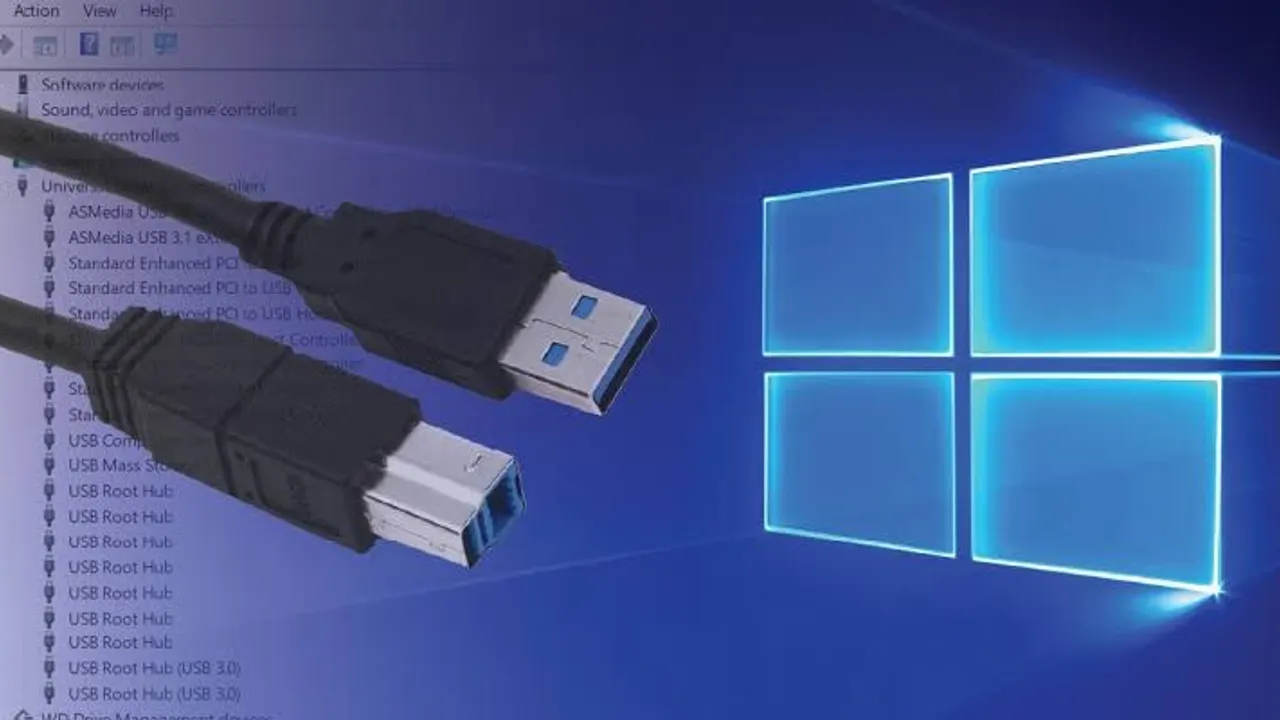
Preparing the installation media for Windows starts with the Media Creation Tool. Download it from Microsoft's download site, run it, and the tool will prepare the USB drive step by step. You need a blank USB flash drive of at least 8 GB and an internet connection. Everything on the drive will be erased.[/hizli-cevap]
Back up your files before you start. Microsoft Support recommends making a backup before installing or reinstalling Windows.
What you need
- A computer with a reliable internet connection. Download time depends on your connection speed.
- A blank USB flash drive with at least 8 GB of space. All content on the drive will be deleted, so using an empty drive is recommended.
For Windows 11
- Go to Microsoft's Windows 11 download site.
- Under the heading Create Windows 11 Installation Media, select the Download Now button. The MediaCreationTool.exe file will download.
- Run MediaCreationTool.exe. The tool will guide you through the steps to create the installation media.
For Windows 10
- Go to Microsoft's Windows 10 download site.
- Under the heading Create Windows 10 Installation Media, select the Download Now button. The MediaCreationTool.exe file will download. The file name may include a version number, such as MediaCreationTool_22H2.exe.
- Run MediaCreationTool.exe. The tool will guide you through the steps to create the installation media.
If you need an ISO instead of a USB drive
If you are installing on a virtual machine (VM), you do not need a USB drive. Microsoft Support says an ISO file can be created in this case. The same ISO file can also be used to burn the installation media to a DVD.
Source
This guide was prepared with artificial intelligence assistance; it was reviewed and updated by the TechTurco News Desk.