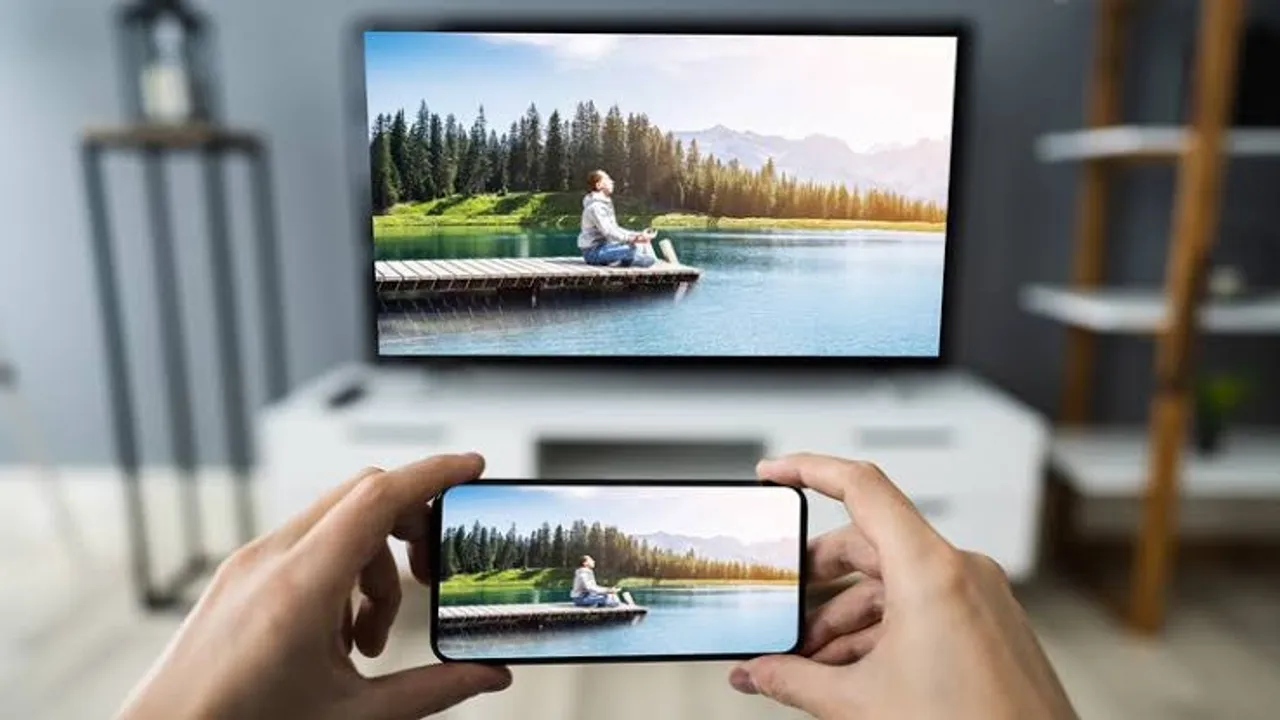
You can pair an Android phone with your TV through the Google TV app, and the pairing takes 5 steps. Prerequisite: your phone and the Chromecast or TV must be on the same wireless network. This guide covers only the Android phone and Google TV app route; iPhones and TVs without Google TV need different methods.
Pairing an Android phone with your TV
- Connect your phone and your Chromecast or TV to the same wireless network.
- Open the Google TV app on your Android phone.
- Tap TVs nearby, which is near the bottom right.
- Select the device you want to connect to.
- Enter the code shown on your TV screen and tap Pair.
Once pairing is complete, the phone can also serve as a TV remote. The Google TV Help page recommends adding the TV remote to Quick Settings so you can reach it quickly from any screen.
Source
This guide was prepared with AI assistance; it was reviewed and updated by the TechTurco news desk.
Advertisement